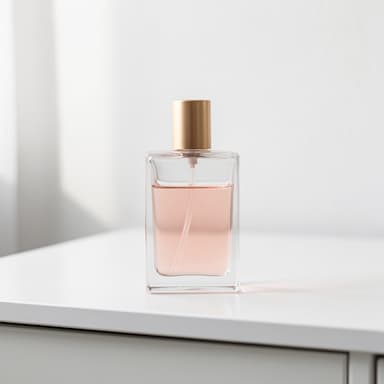
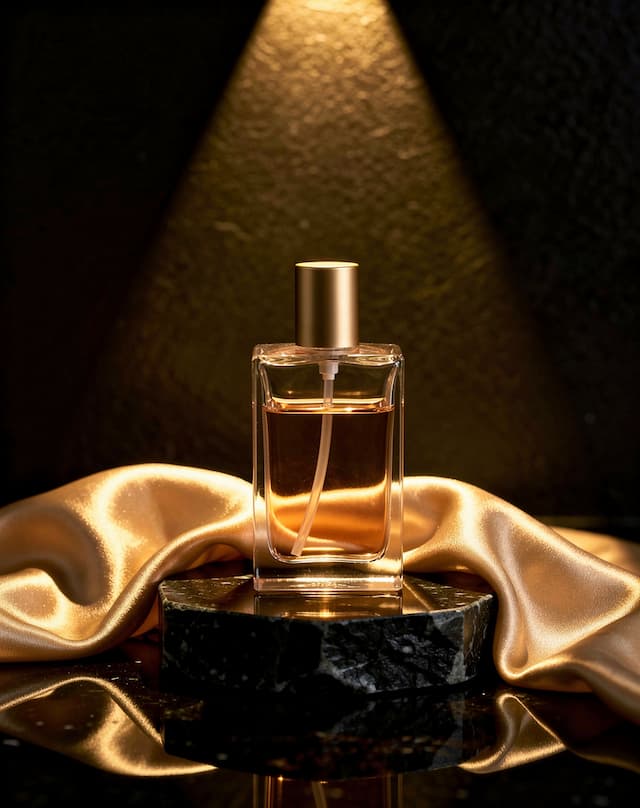
What Product Shots is
A product photo taken on a desk, a counter or a bedsheet tells a shopper nothing good. A photographer with lights and a set fixes that, for a day rate and a week's wait. Product Shots does the same job from the photo you already have.
You choose the look from 10 styles and 7 backgrounds. The studio keeps the product's shape, colour and label as photographed and changes everything around it: the light, the surface, the scene and the angle.
Good for
- Store and marketplace listings that need a clean main image
- Ads that need the product in a mood, not on a white sweep
- A transparent PNG to drop into your own designs
- A finished ad with your headline set on it
How it works, in four steps
- 1
Add your product
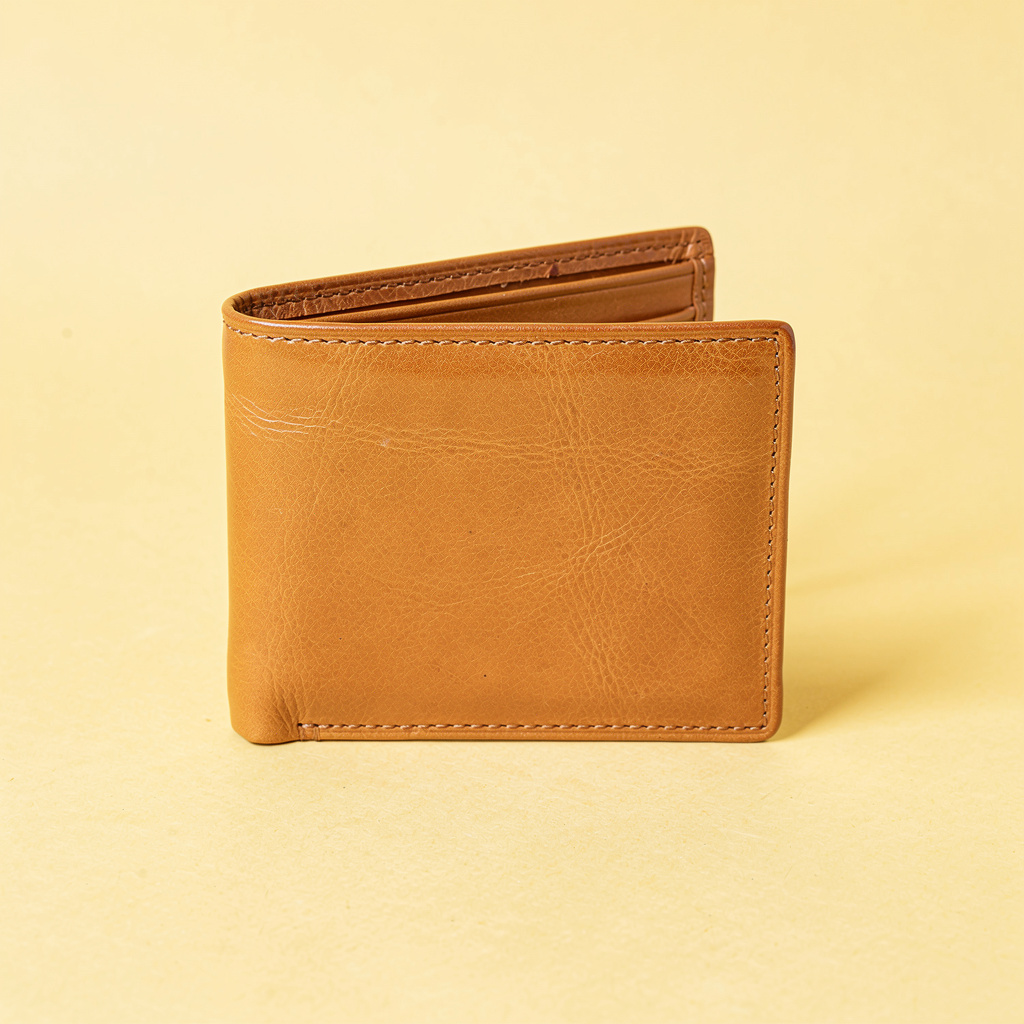
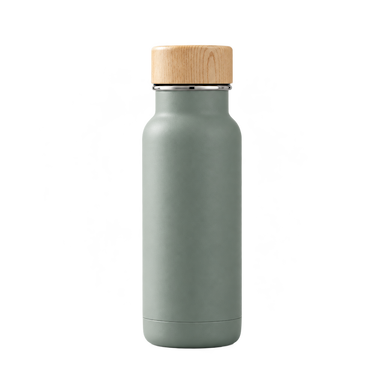
Upload a clear photo of the thing you sell, or start from one of the 4 sample products.
- 2
Choose the look
Pick a style and a background, or describe the scene in your own words.
- 3
Set the frame
Choose a camera angle and the size of the platform it is going to.
- 4
Generate and keep the best
Each run costs 4 credits and adds to your takes. Keep the ones you like, drop the rest, download.
Add your product
Everything starts with one photo. The better it shows the product, the more exactly the studio can keep it, so this is the step worth thirty seconds of care.

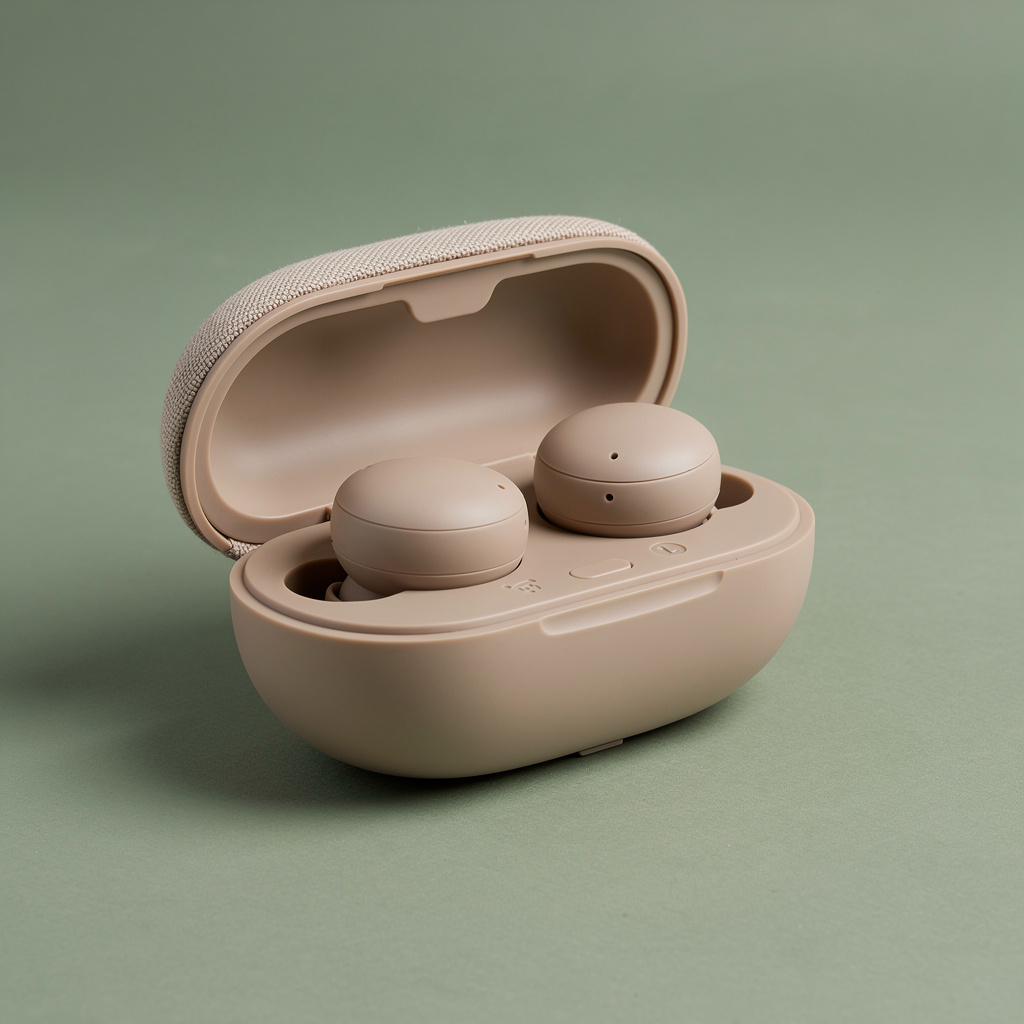
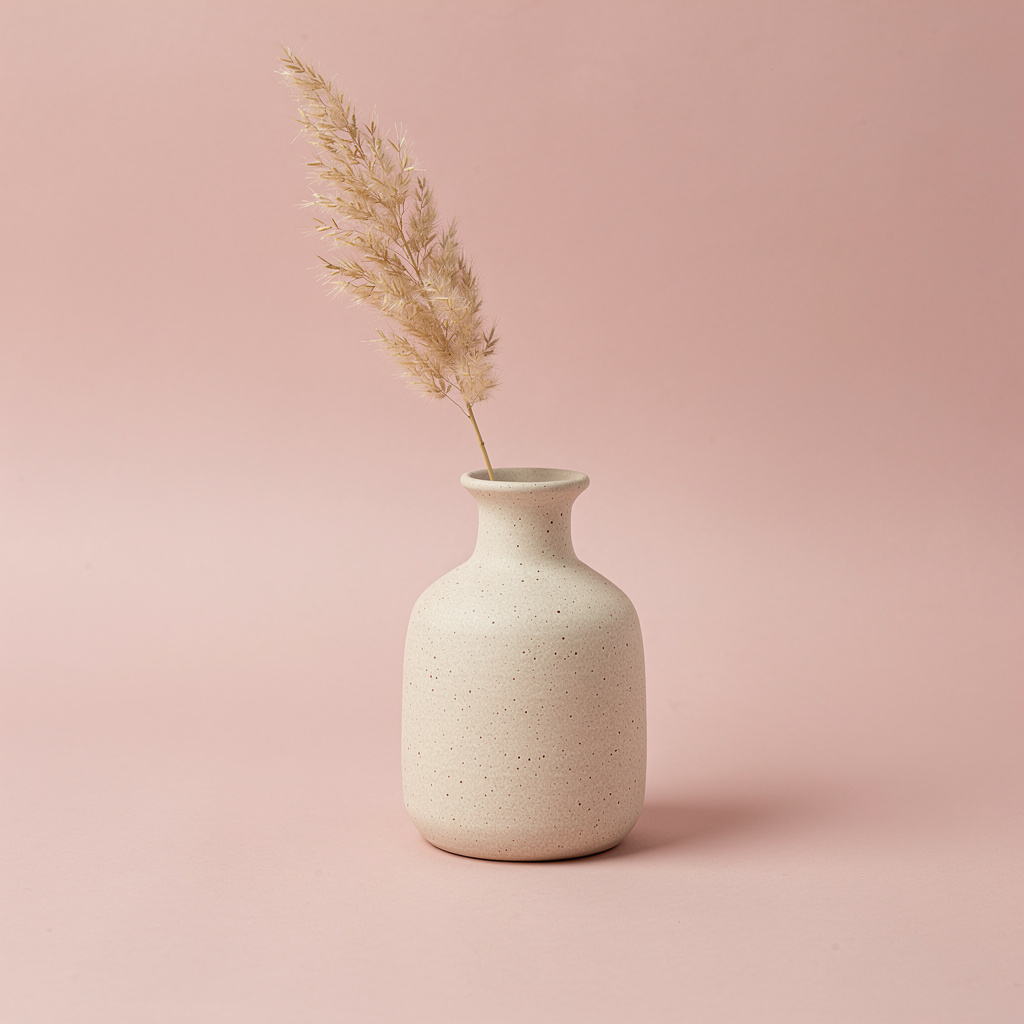
Choose a style
The style is the biggest decision on the panel: it sets the light, the mood and how the product is staged. There are 10, and each explains itself before you pick it.
- Clean studioCatalogue
- White background, even light, no distractions. The safe choice for a marketplace listing, and the easiest to cut out later.
- Hero shotLaunch
- One hard light, deep shadows, product filling the frame. Dramatic — use it for a launch or a banner, not a plain listing.
- Flat laySocial
- Shot from directly above with a few props and space left for a headline. Made for a feed post.
- Macro detailDetail
- Extreme close-up on one part — a stitch, a cap, the texture. Use it to prove quality that a full shot cannot show.
- In contextLifestyle
- The product in the room where it is actually used. Sells the feeling rather than the specification.
- FloatingEditorial
- Product suspended in mid-air with a soft shadow below. Modern and magazine-like — strong in an ad, odd in a catalogue.
- LuxuryPremium
- Near-black set with one narrow strip of light. The lighting of a watch campaign — expensive-looking, and dark.
- Bright and airyE-commerce
- High-key, pale and airy, shadows almost gone. The Scandinavian catalogue look — clean on a white page.
- Colour blockPaid social
- One saturated colour behind the product with a hard graphic shadow. Built to stop a thumb mid-scroll.
- Sunlight and shadowOrganic
- Late-afternoon sun through a blind, hard shadow pattern across the surface. Deliberately imperfect and real.
Set the background
The background is where the product sits. Pick one of 7 surfaces, describe your own scene, or take the background away entirely.
- Auto
- Lets the model pick a background that suits the product. A good first try when you are not sure what you want — look at what it chooses, then pick a specific one to get closer.
- Studio
- A plain paper sweep — the look of a catalogue or a marketplace listing. Nothing competes with the product, and the result is easy to cut out later.
- Outdoor
- Natural daylight with the background thrown out of focus. Warmer and more human than studio — good for anything used outside, or sold on lifestyle rather than specification.
- Marble
- A stone surface with side light and a long shadow. Reads premium, and works especially well for cosmetics, jewellery and small glass.
- Wood
- A warm oak tabletop in morning light. Homely and approachable — food, kitchenware, candles, anything you want to feel lived-in rather than clinical.
- Gradient
- A smooth two-tone background in a colour taken from the product. Clean and modern, and the strongest choice when the image has to sit inside a branded layout.
- Concrete
- Cool grey microcement with a hard shadow. Architectural and quiet — suits tools, tech and anything you want to read as serious.
Camera angle and size
The angle decides how the product is seen, and the size decides where the picture can go. Choose the size for the place it will be posted, not afterwards.
- Auto
- Let the AI choose the angle. Fine when you have no strong preference.
- Eye level
- Camera level with the product. Honest proportions — what the buyer would see holding it.
- High angle
- Looking down about 30°, showing the top and the surface. Good for boxes, bowls and open packaging.
- Low hero
- Looking up from below so the product towers. Makes small things feel substantial.
- Top down
- Straight down, perfectly flat. Graphic — pairs with the Flat lay style.
- Three-quarter
- Turned about 35° so the front and one side both show. The standard packaging angle.
- Close crop
- Tight crop that lets the product run off one edge. Emphasises texture over shape.
- 1:1 · 1:1
- Square. Marketplace listings and Instagram grid posts.
- 4:5 · 4:5
- Tall. Takes up the most room in a feed — the usual choice for a paid post.
- 3:2 · 3:2
- Wide like a camera frame. Website banners and email headers.
- 9:16 · 9:16
- Fills a phone screen. Stories, Reels and TikTok.
- 16:9 · 16:9
- Very wide. Video thumbnails and desktop hero sections.
Put your text on it
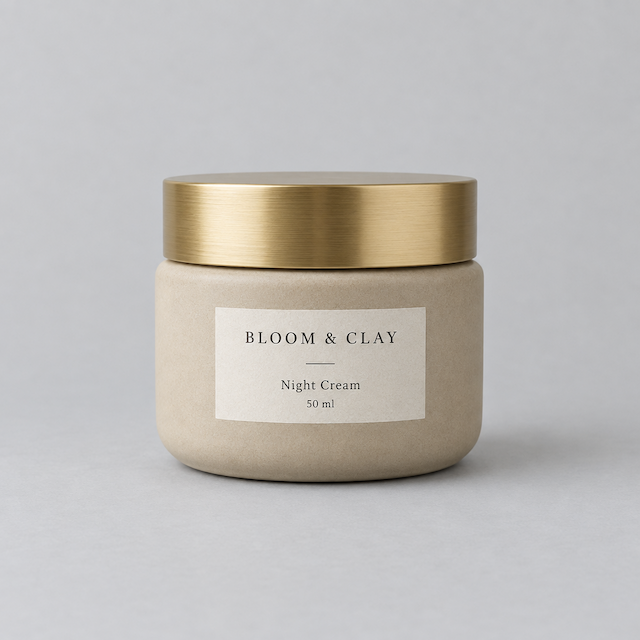
Design the ad turns a product shot into a finished advert: your headline, a supporting line and a button, laid out on the picture the way a designer would. It costs 6 credits an image instead of 4.

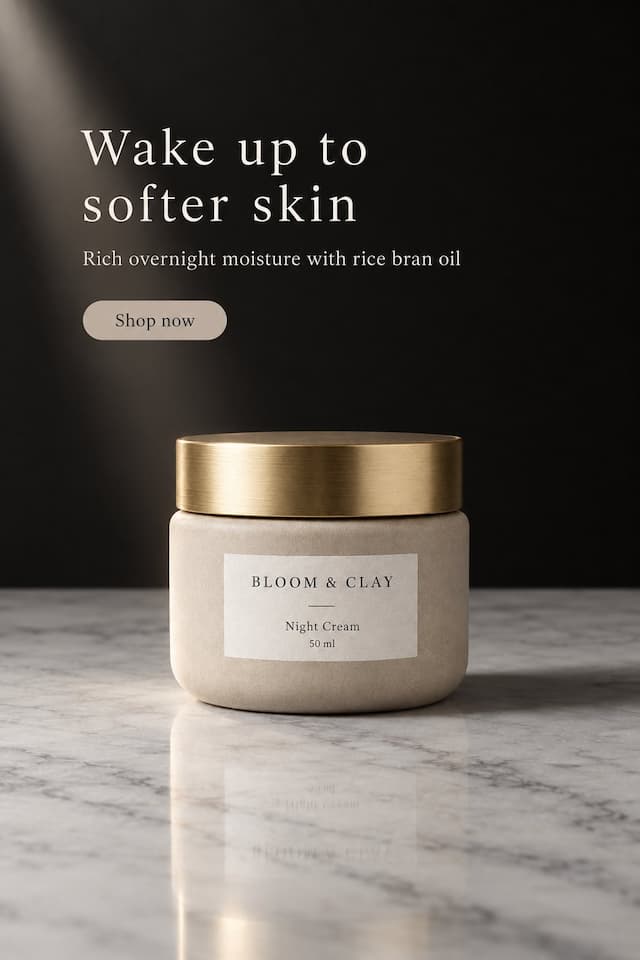
Only what you type goes on the ad — the AI never adds prices, discounts or claims of its own. Check the spelling before you publish.
Your takes: keep, compare, download
Every run adds to the takes on the left instead of replacing them, so you can compare looks without paying twice. The takes here are the real renders of one cut-out run, flaws included.
What it makes
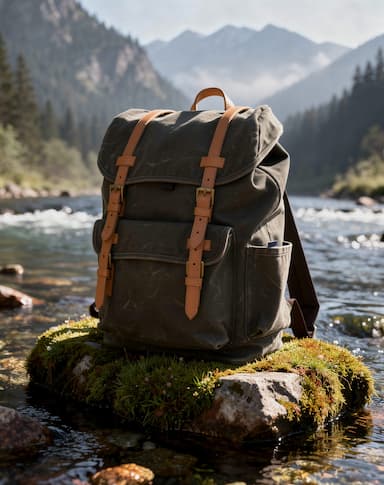
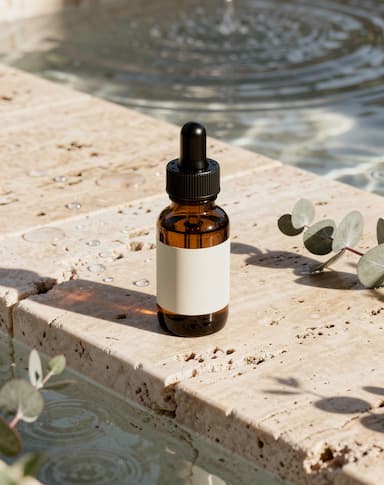
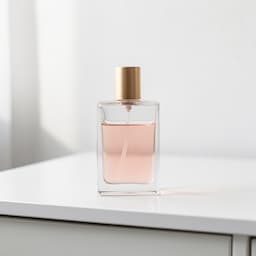
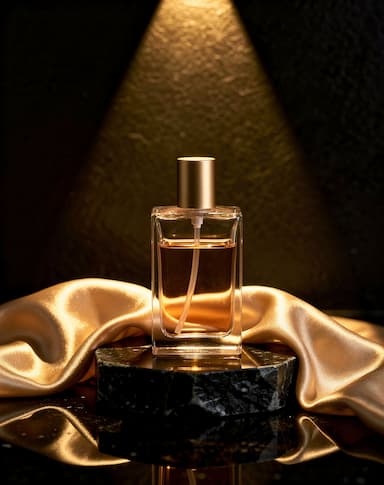
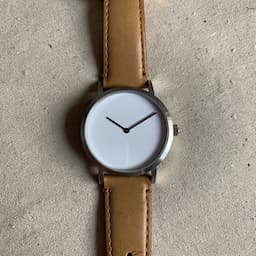
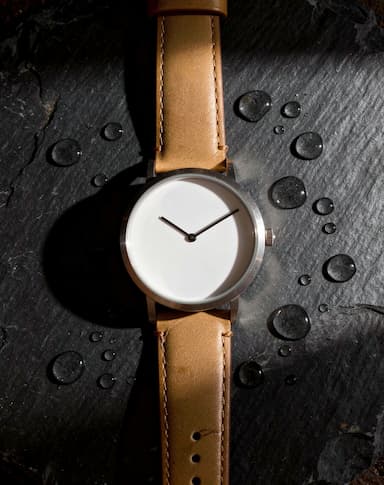
Real Product Shots renders, each beside the sample photo it was made from. Nothing retouched afterwards.
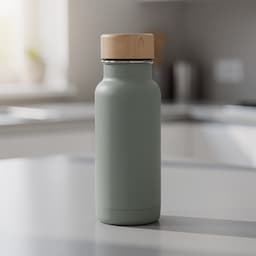 Your photo
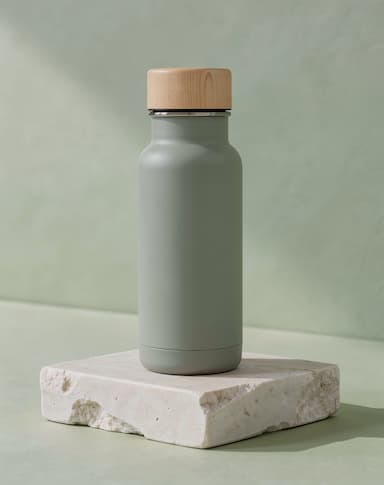
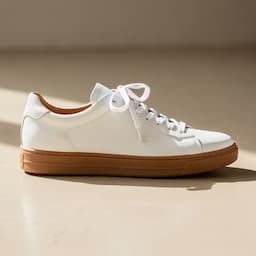 Your photo
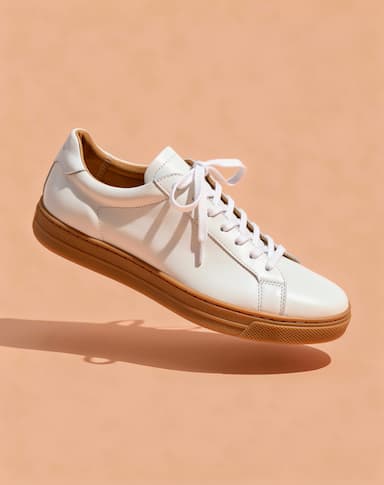
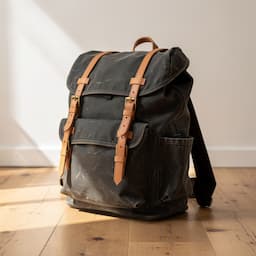 Your photo
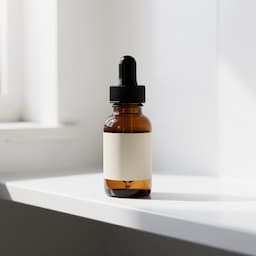 Your photo
 Your photo
 Your photo
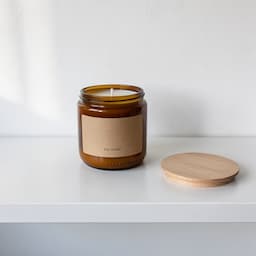 Your photo
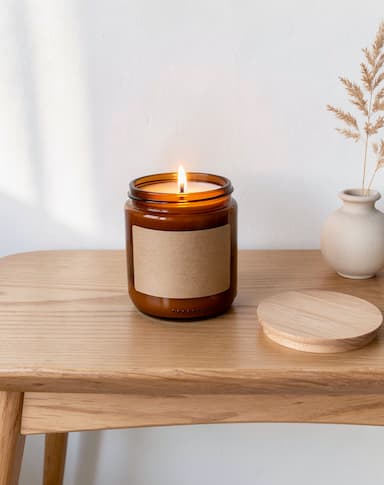
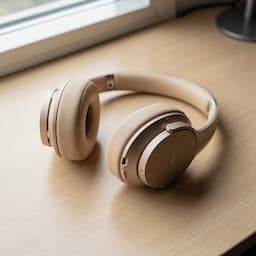 Your photo
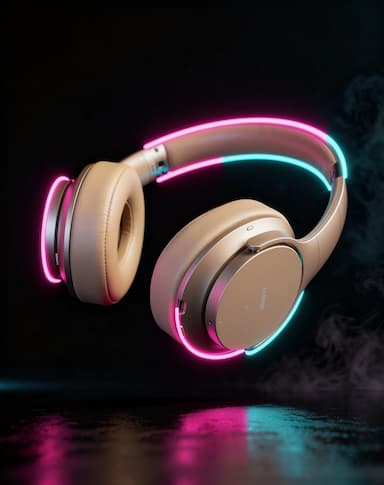
Take a photo it can work with
You do not need a camera or a studio. You need a photo that shows the product clearly. What helps most:
1Fill the frame
Get close enough that the product takes up most of the picture. Detail that is not in the photo cannot be kept.
2Soft, even light
Daylight from a window beats a flash. Hard shadows and blown highlights get read as part of the product.
3A plain background
A wall, a sheet of paper, a table top. The less clutter around it, the cleaner the product is separated.
4Label facing the camera
Shoot the side a customer should read. The studio keeps the label as photographed; it does not invent the other side.
5No filters, no text
Filters shift the product's real colour, and stickers or watermarks get treated as part of it.
6Check before you publish
AI can still get small print wrong. Look at the label and logo on every take before it goes live, and run another if one drifts.
What it costs
Product Shots spends credits from the same balance as every other studio. These are its current prices.
| What you make | Credits |
|---|---|
| One run (1 take), free plan | 4 |
| A designed ad, per image | 6 |
A run that fails returns its credits automatically, and a run that delivers fewer images than it charged for refunds the missing ones.
Which plan you need
Every plan below is live, and each line is that plan's monthly credits divided by what one Product Shots run costs today.
Free
Free
12 credits a month
About 3 product shots a month
Starter
$12/mo
100 credits a month
About 25 product shots a month
Pro
$29/mo
500 credits a month
About 125 product shots a month
Questions people ask
Will it change my product?+
The studio tells the model to keep the product exactly as photographed: shape, colour, label and logo. It changes the light and the scene around it. AI can still slip on small print, so check each take before you publish.
What kind of photo works best?+
A sharp phone photo in soft daylight, on a plain background, with the product filling the frame and the label facing the camera. A PNG, JPG or WebP up to 15 MB.
Can I get a transparent background?+
Yes. Turn on Cut the product out in the Background group and the take is saved as a PNG with no background, ready for a marketplace or your own design.
How many images do I get per run?+
One run makes 1 take for 4 credits. Run it again for more; every take stays in the strip and in your Library.
Can it put my headline on the image?+
Yes, with Design the ad. You type the headline, a supporting line and a button, and the studio sets them on the picture. Only your words go on it.
What if a run fails?+
The credits come back automatically. If a run delivers fewer takes than it was charged for, the missing ones are refunded.
Can I reuse the same look for other products?+
Yes. Save this setup stores the style, background, angle and size. Apply it to the next product and only the photo changes.
Keep going
Reshoot your first product
Upload one photo, pick a style, and see it lit properly.
Start free