What Lifestyle Models is
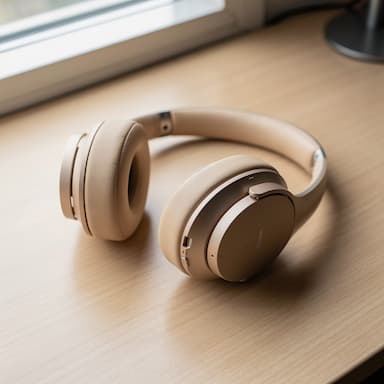
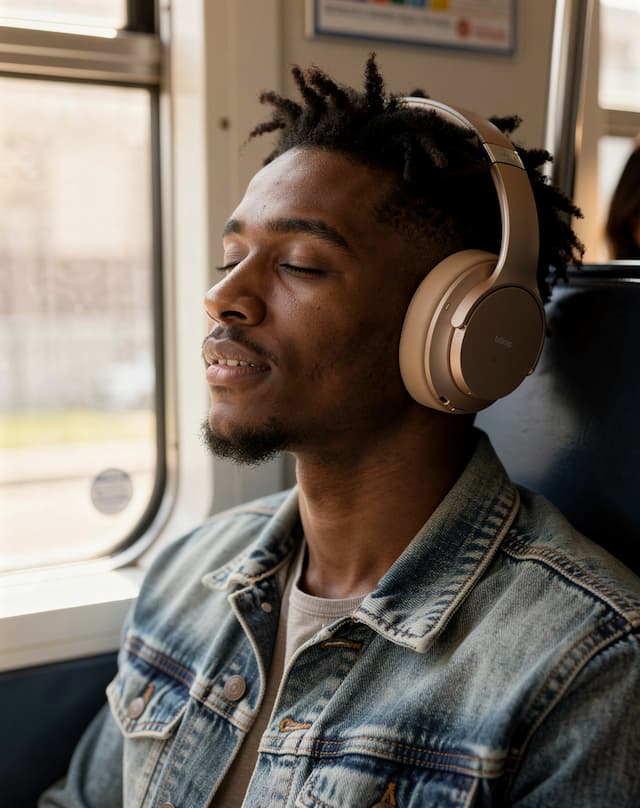
People buy a product when they can picture themselves using it. A photo of it on a table cannot do that; a photo of someone like them wearing it on the way to work can. Booking that photo means models, a location, a photographer and a release for every face.
Lifestyle Models makes that photo from your product shot. You choose who is in it, what they are doing and where: 10 kinds of shot, 9 places and 105 combinations of gender, age and background. The people are generated, not real individuals.
Good for
- Social ads that need a person in the first frame
- Clothing, bags and watches shown on the body
- Showing the same product to different customers
- A finished ad with your headline, in your language
How it works, in four steps
- 1
Add your product
Upload a clear photo of the product itself, or start from one of the 4 samples.
- 2
Choose who
Gender, age range and background — or leave them on Any and the AI decides.
- 3
Choose what and where
A kind of shot, a place, a camera angle and the size of the platform it is going to.
- 4
Generate a few
People vary more than backgrounds, so run it two or three times at 4 credits a run and keep the most believable.
Add your product
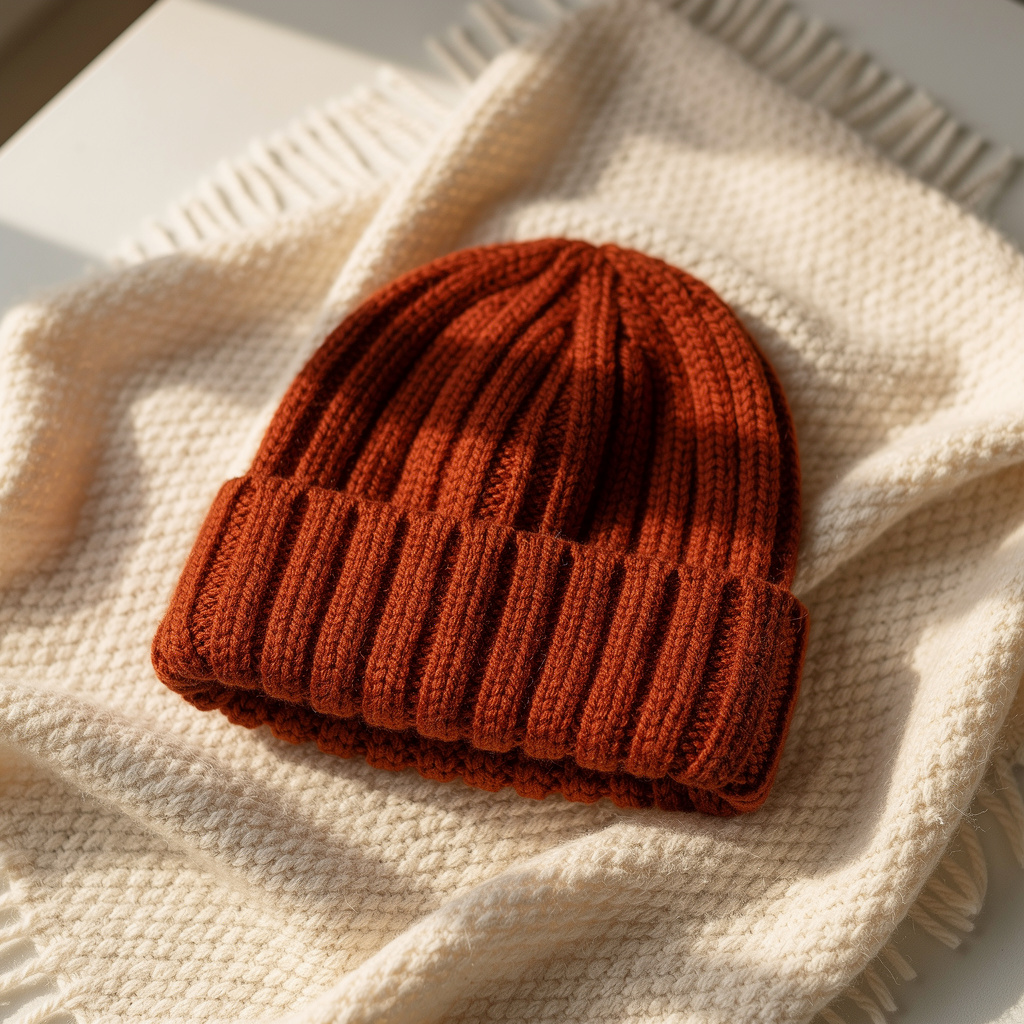
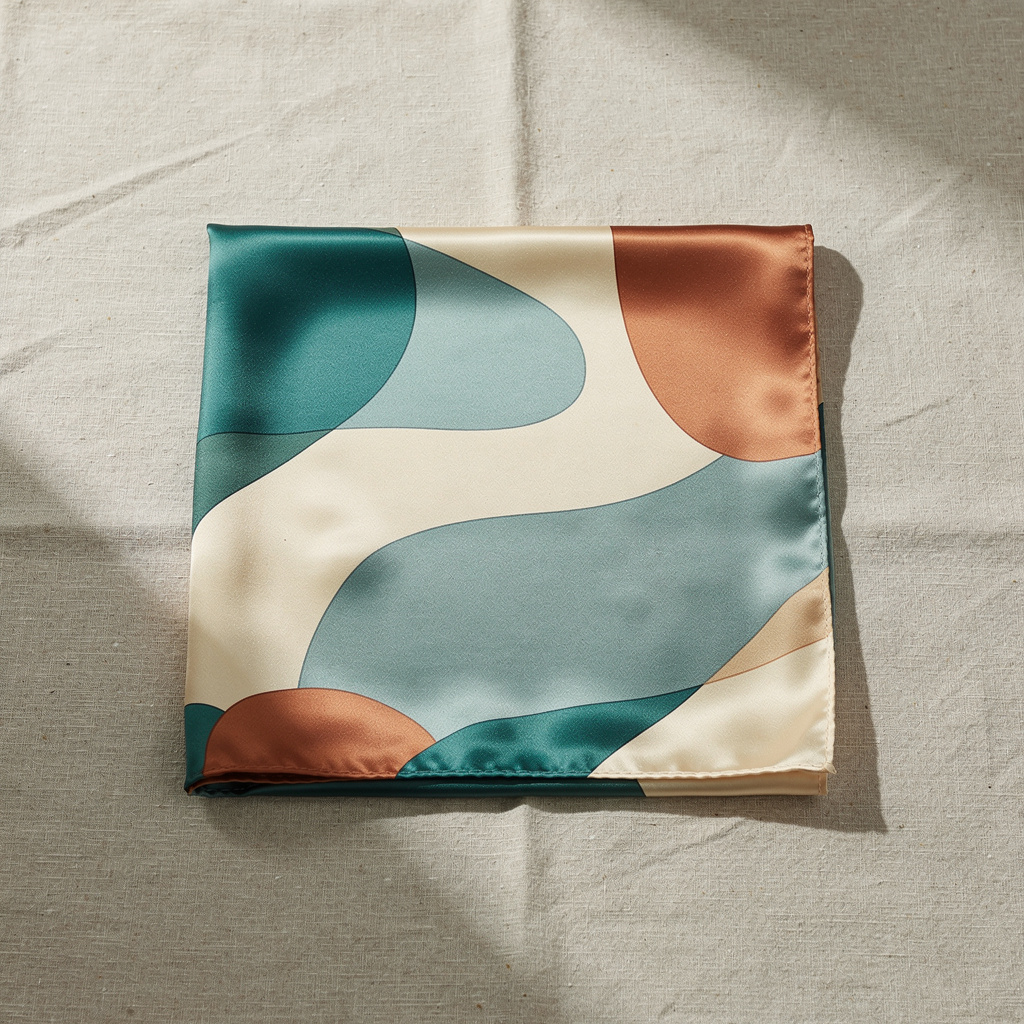
The photo is of the product, not the person: the studio puts the person around it. A clean product photo keeps the product exact once it is in someone's hands.
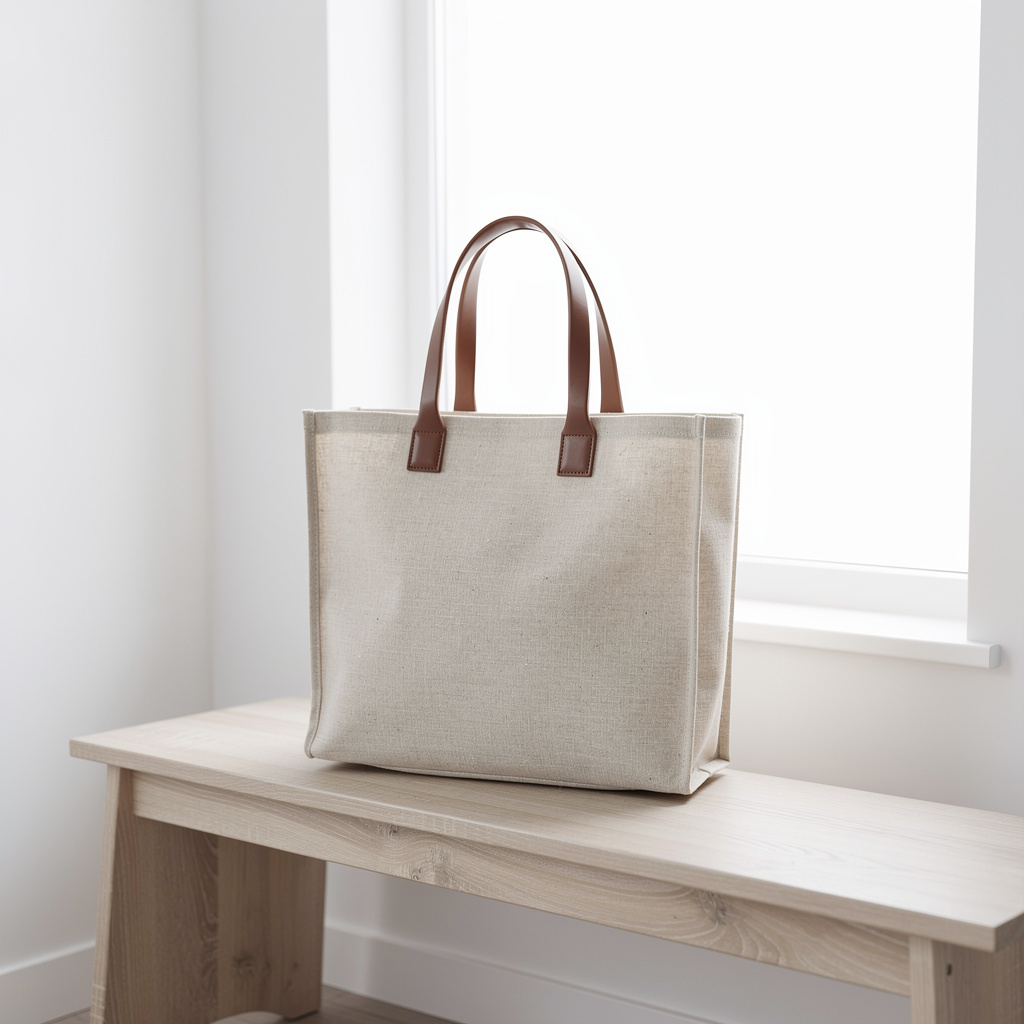
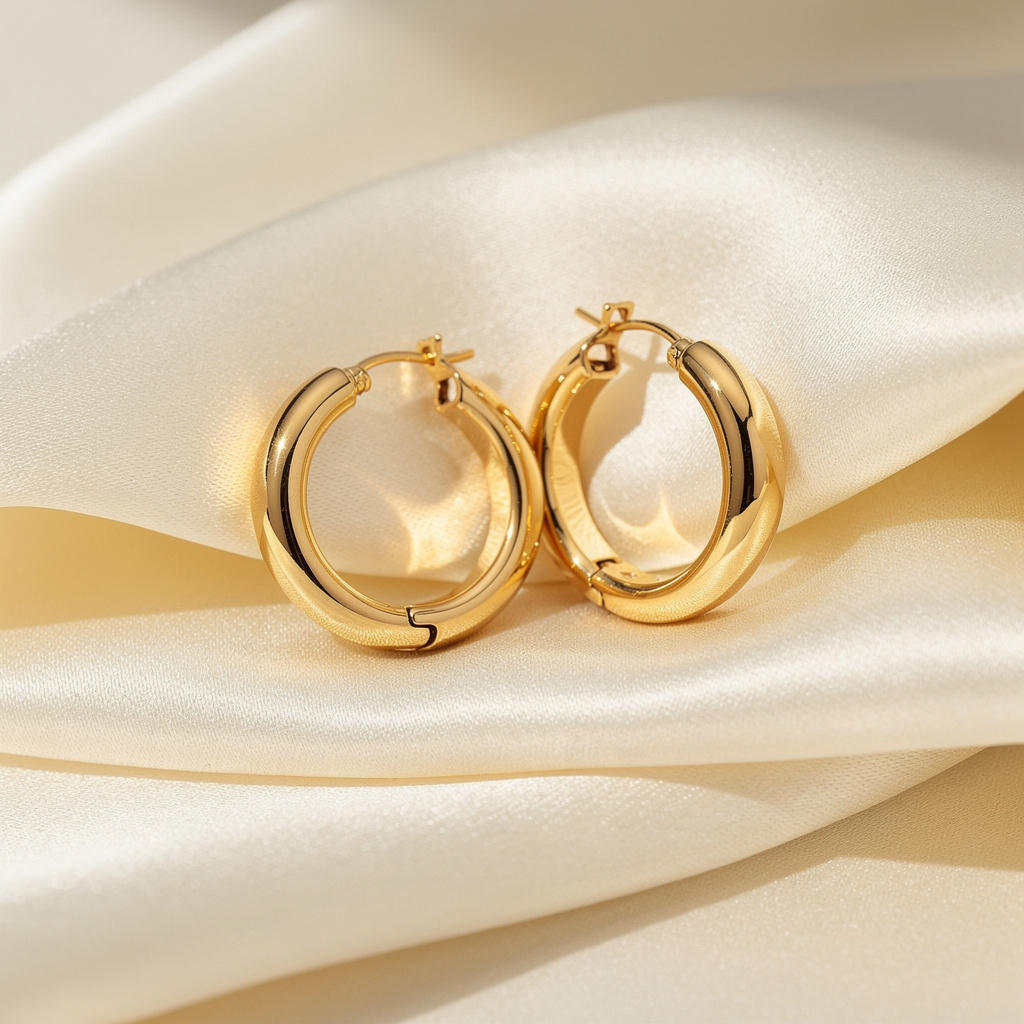
Choose who is holding it
Model characteristics decide who appears. Pick the person your customer would believe is like them: 105 combinations, or Any to let the AI choose.
Gender
- Any
- Female
- Male
- Non-binary
Age range
- Any
- 18–24
- 25–34
- 35–44
- 45–60
- 60+
Ethnicity
- Any
- Asian
- Black
- Hispanic
- Middle Eastern
- South Asian
- White
- Mixed
Who is holding your product. Match your actual customer rather than a stock ideal — a shopper believes a photo of somebody like them. Leave everything on Any and the AI decides.
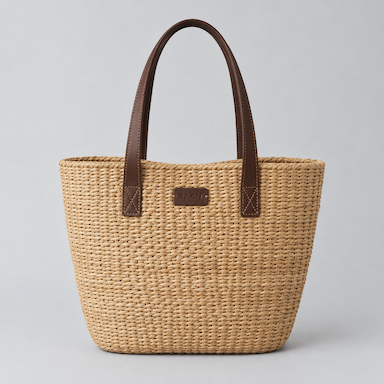 Your photo
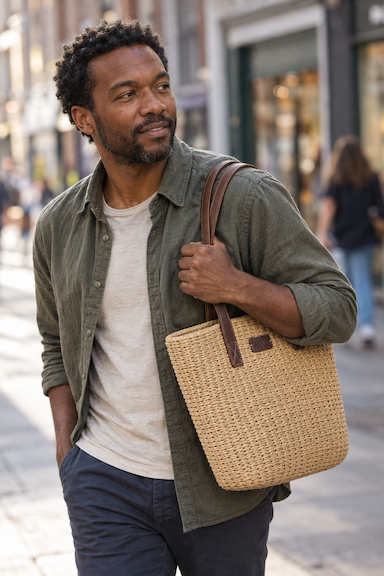 Male · 35–44 · Black
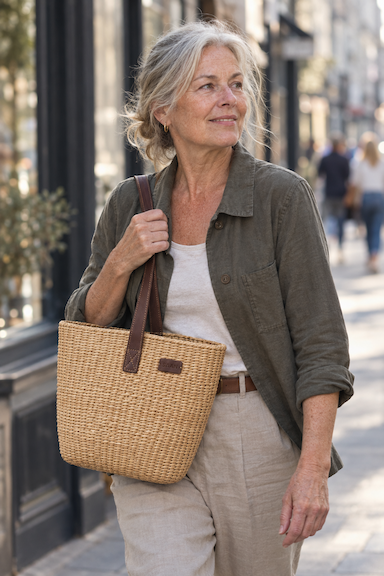 Female · 60+ · White
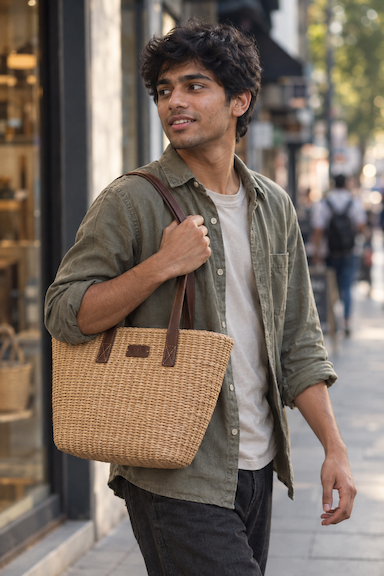 Male · 18–24 · South Asian
Choose the kind of shot
The kind of shot is what the person is doing with the product: holding it, using it, wearing it, opening it. There are 10, and it is the first thing to change when a result feels wrong.
- Held in handSafest
- Hands and the product, no face in frame. The most reliable shot in this studio — nothing can go wrong with a face that is not there.
- In useDemonstration
- Someone genuinely using it, caught mid-action. Shows what the product is for without a word of copy.
- In motionEnergy
- Caught mid-movement with a trace of blur, product still sharp. Gives a campaign shot energy that a still pose cannot.
- Editorial portraitPremium
- A styled magazine portrait. Expensive-looking — right for a launch or a brand page, too formal for a quick social post.
- Candid momentNatural
- As if nobody knew the camera was there. Warm and human — use it when the brand sells a feeling rather than a spec.
- WornApparel
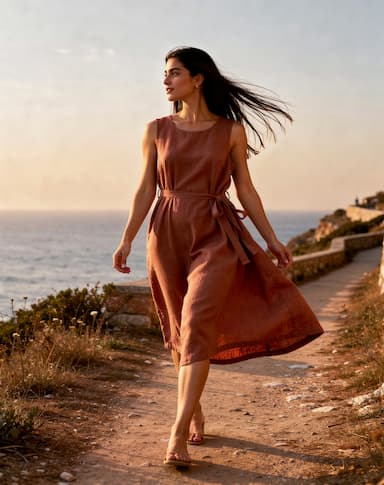
- The product on the body, showing fit and scale. The one to pick for clothing, bags, watches and jewellery.
- Close on the detailTexture
- Very close on the point of contact — a thumb on the cap, a finger on a button. Proves quality and hides everything else.
- UnboxingFirst impression
- The moment of opening, packaging still in frame. Sells the arrival experience — strong for gifts and subscriptions.
- Two peopleShared
- Two people and a shared reaction. Good for anything bought to give away or use together — food, games, gifts.
- Morning routineHabit
- Early light and an unhurried routine. Positions the product as a habit rather than a purchase — skincare, coffee, supplements.
Choose where they are
The place does half the selling. Choose from 9 settings, or describe one in a sentence.
- Auto
- Lets the AI choose a setting that suits the product. A good first try — see where it puts the person, then pick a specific place to get closer.
- At home
- A real home — kitchen or living room, morning light. The most trusted setting for anything used daily, and the easiest to believe.
- Café
- A café table by a window with people blurred behind. Reads social and urban — good for drinks, small tech and anything carried around.
- Street
- Outdoors in the city, background thrown out of focus. Energetic and current — suits fashion, bags, shoes and anything worn out of the house.
- Studio portrait
- A plain backdrop and controlled light. Nothing distracts from the person and the product — the choice when the image has to sit inside a branded layout.
- Outdoors
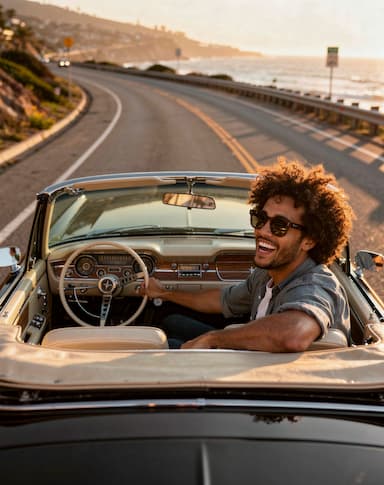
- Parks, paths, late sun behind the hair. Healthy and active — sportswear, outdoor gear, supplements, anything sold on wellbeing.
- Bathroom
- Tiles, mirror, soft light through frosted glass. The natural home for skincare, haircare and anything used as part of a routine.
- Desk
- A working desk with a laptop just in frame. Best for tech, stationery, coffee and anything bought to make the day easier.
- Gym
- Gym floor, hard light, mid-workout. Strong for bottles, sportswear, wearables and supplements.
Camera angle and size
The angle decides how much of the person is in frame. If faces ever come out wrong, Hands only crops them out entirely.
- Auto
- Let the AI frame it. Fine when you have no strong preference.
- Eye level
- Level with their eyes. Feels like standing in front of them — the most neutral and most useful.
- Waist up
- Head to waist. Enough room for the hands and the product without losing the face.
- Hands only
- Crops the face out entirely. The safe choice if faces are coming out wrong.
- Full body
- Head to toe with the room around them. Needed for clothing and anything worn.
- Over the shoulder
- From behind their shoulder, looking at what they are doing. Puts the viewer in their place.
- Low angle
- From below, looking up. Makes the person look confident — good for sportswear and streetwear.
- 4:5 · 4:5
- Tall. Takes up the most room in a feed — the usual choice for a paid post.
- 9:16 · 9:16
- Fills a phone screen. Stories, Reels and TikTok.
- 1:1 · 1:1
- Square. Marketplace listings and Instagram grid posts.
- 3:2 · 3:2
- Wide like a camera frame. Website banners and email headers.
Put your words on it, in any language
Design the ad sets your headline, a supporting line, an offer and a button on the photo. Type them in whatever language your customers read. It costs 6 credits an image instead of 4.

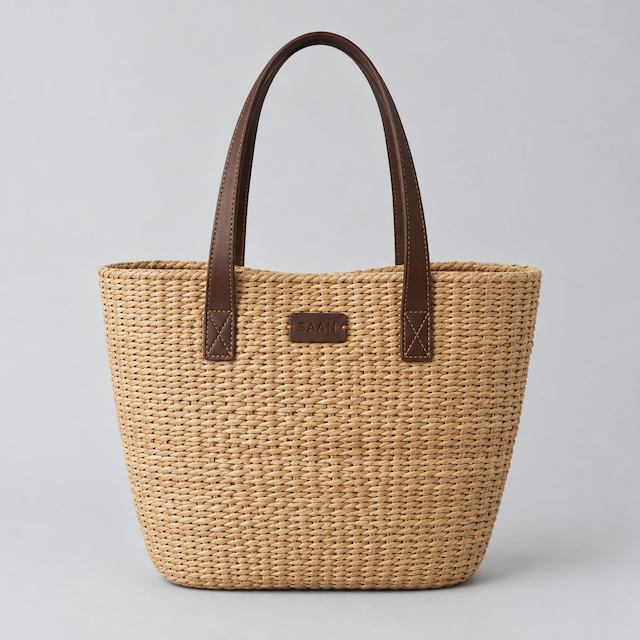
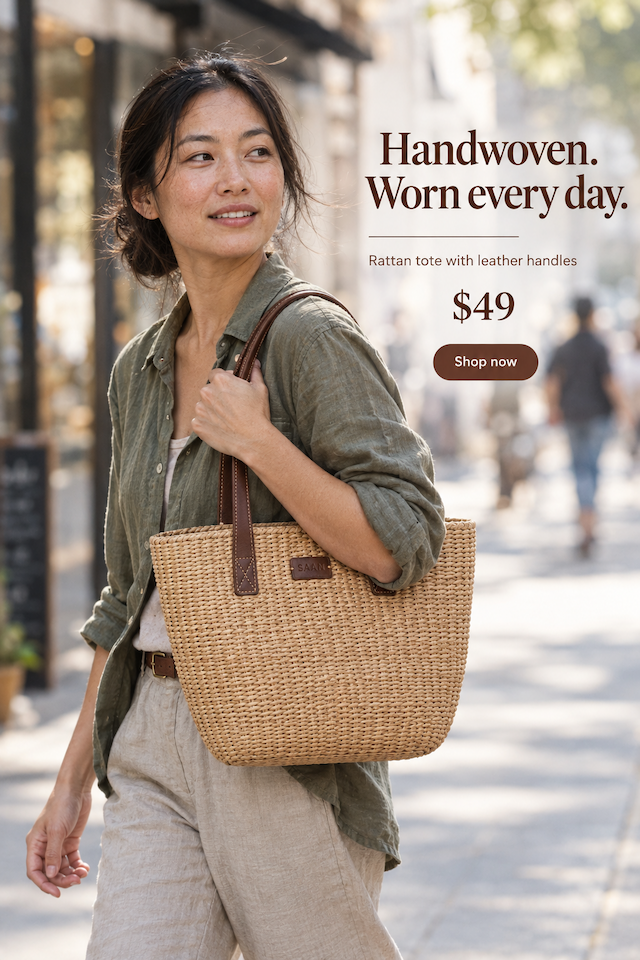 Written in English
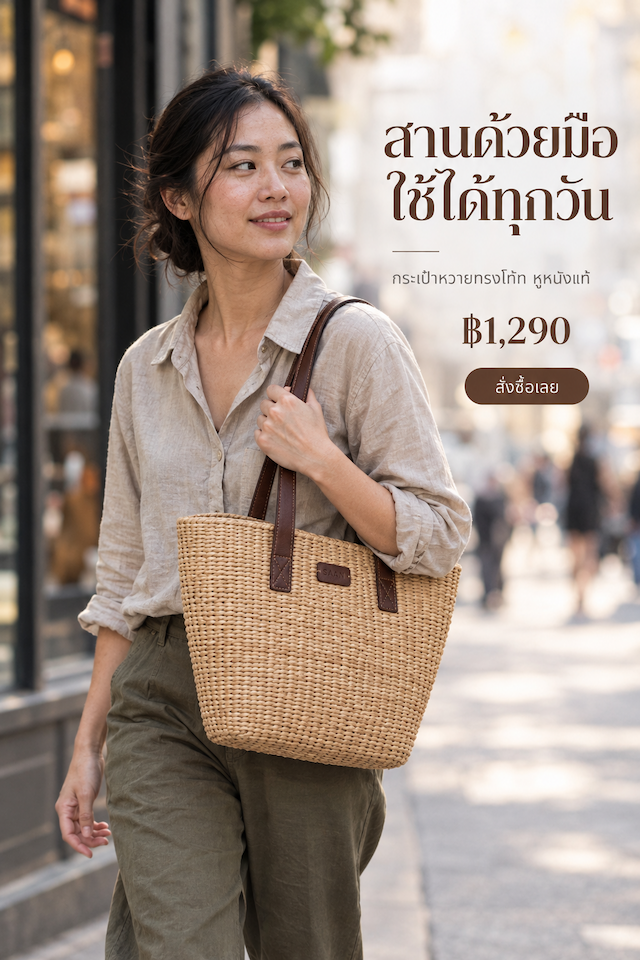 Written in Thai
Only what you type goes on the ad — the AI never adds prices, discounts or claims of its own. Check the spelling before you publish.
What it makes
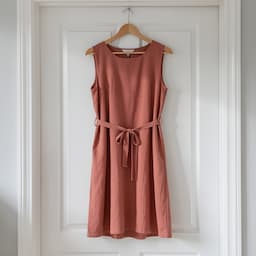
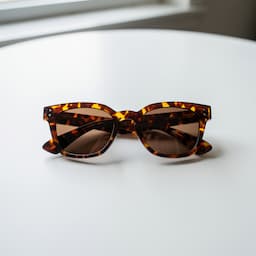
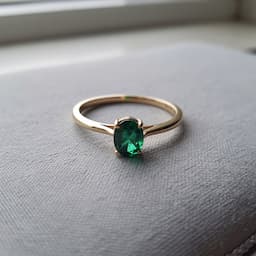
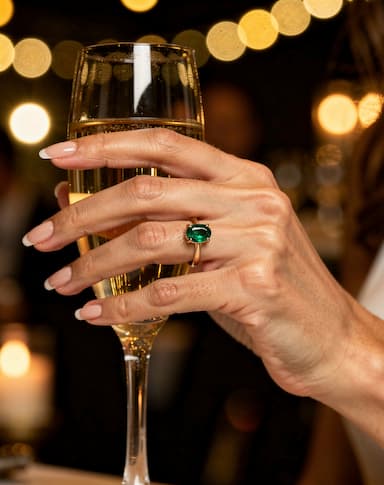
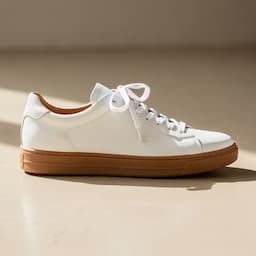
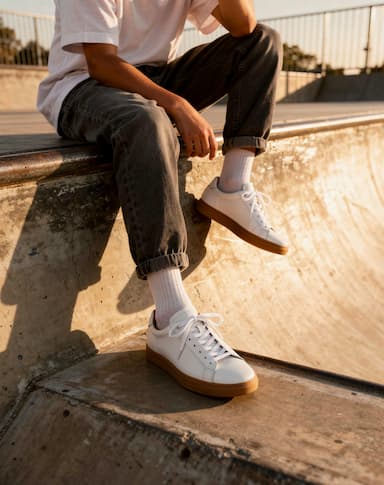
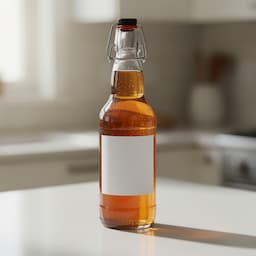
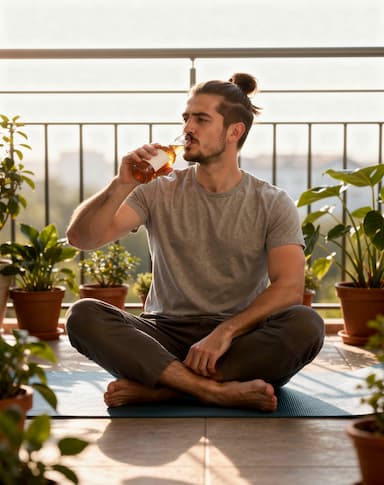
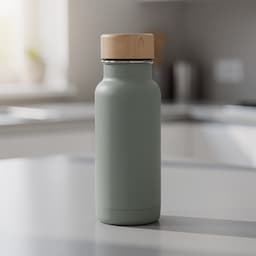
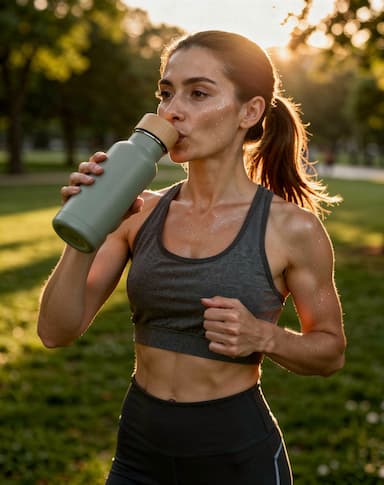
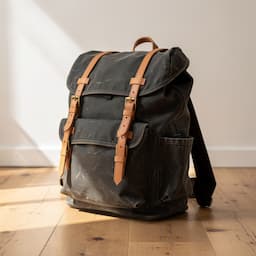
Real Lifestyle Models renders, each beside the sample product photo it was made from. Different people, places and kinds of shot, nothing retouched afterwards.
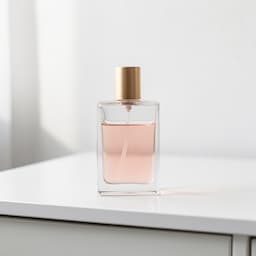 Your photo
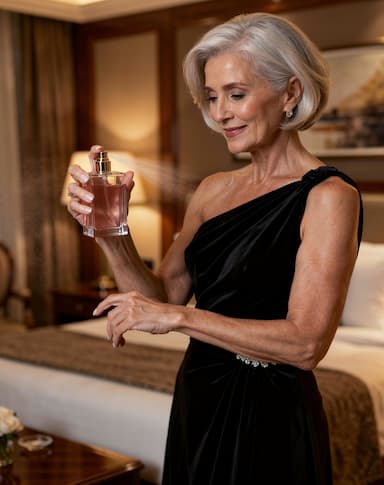
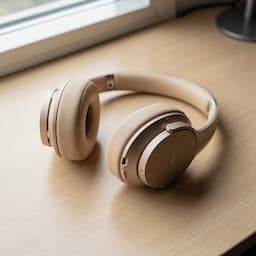 Your photo
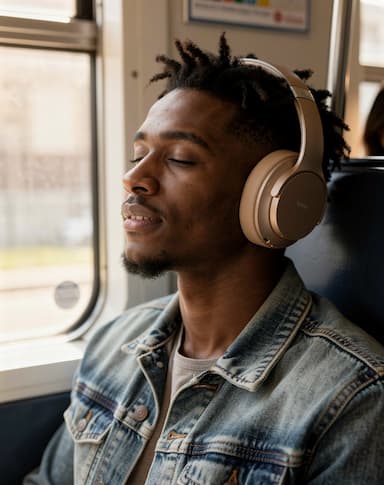
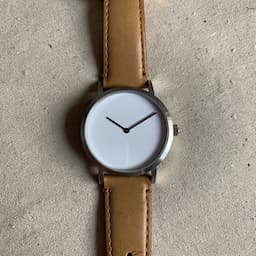 Your photo
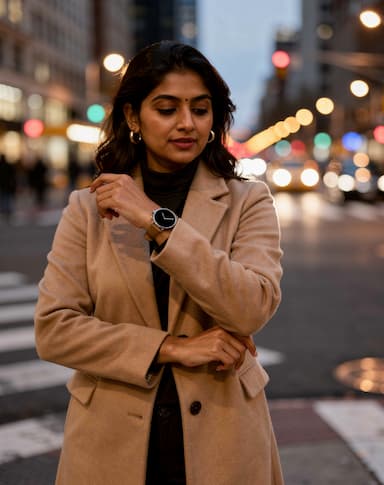
 Your photo

 Your photo
 Your photo
 Your photo
 Your photo
 Your photo
 Your photo
 Your photo
Get a result people believe
A lifestyle photo works when it looks like a moment rather than an advert. What helps:
1Start with a clean product photo
The product alone, sharp, on a plain background, label facing the camera. The person is added; the product is kept.
2Cast your real customer
Match age and background to who actually buys. A shopper believes someone like them more than a stock ideal.
3Put them where it is used
Skincare in a bathroom, a bottle at the gym, a laptop bag at a desk. The place explains the product.
4Run it more than once
Every run makes a new person. Two or three runs give you a choice, and the strip keeps them all.
5Check hands and label
Look at the fingers, the grip and the label on every take. If faces go wrong, switch the angle to Hands only.
6Present it honestly
The person is AI-generated and has not used your product. Run it as an ad, not a testimonial, and follow each platform's rules on AI content.
What it costs
Lifestyle Models spends credits from the same balance as every other studio. These are its current prices.
Lifestyle Models is included from the Starter plan.
| What you make | Credits |
|---|---|
| One run (1 take), free plan | 4 |
| A designed ad, per image | 6 |
A run that fails returns its credits automatically, and a run that delivers fewer images than it charged for refunds the missing ones.
Which plan you need
Every plan below is live, and each line is that plan's monthly credits divided by what one Lifestyle Models run costs today.
Free
Free
12 credits a month
Not included in this plan
Starter
$12/mo
100 credits a month
About 25 lifestyle photos a month
Pro
$29/mo
500 credits a month
About 125 lifestyle photos a month
Questions people ask
Are the people real?+
No. Every person is generated for that image and is not a real individual. They have not used your product, so present the image as an ad, not a customer review.
Can I choose who appears?+
Yes: gender, age range and background, 105 combinations in all. Leave any of them on Any and the AI chooses.
Can I get the same person again?+
Not the same face. Each run makes a new person. Saved setups keep who, what and where, so you get the same kind of person in the same kind of shot.
Will my product stay the same?+
The studio tells the model to keep the product exactly as photographed. Hands and small print are where AI slips, so check every take before you publish.
Can the ad text be in my language?+
Yes. Type the headline, offer and button in any language and they are set in that language — the tote ad on this page was made in English and in Thai.
What does it cost?+
4 credits a run for 1 image, or 6 credits an image with Design the ad. A run that fails is refunded automatically.
When should I use Product Shots instead?+
When the product should be the only subject: marketplace listings, catalogue pages, a transparent cut-out. Use Lifestyle Models when a person makes the product make sense.
Keep going
Cast your first customer
Upload a product, choose who and where, and see it in someone's hands.
Start free