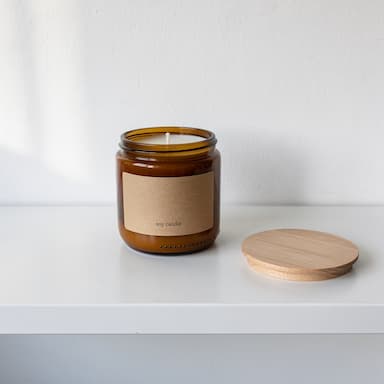
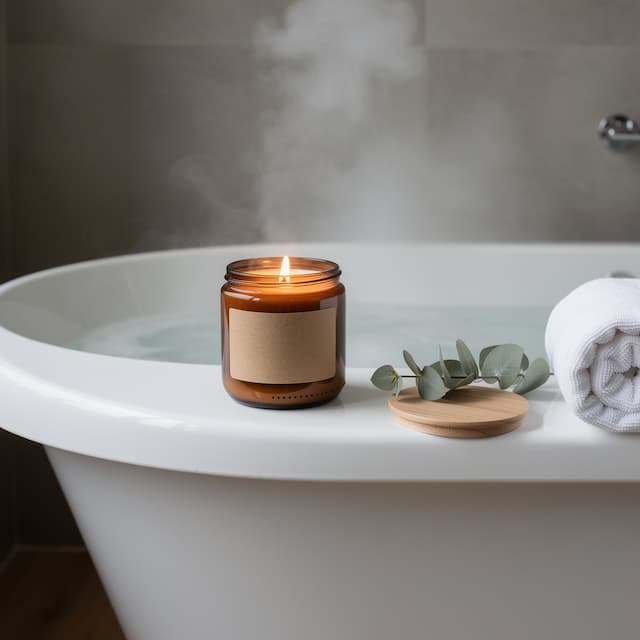
What Product URL to Ad is
Everything an ad needs is already on your product page: the name you chose, the words you wrote, the price you set and the photographs you shot. Retyping all of it into a studio is the slow part, and it is where a seller with two hundred listings gives up.
Product URL to Ad reads the page and hands you what it found in three editable fields and the photographs it can use. Then it is the ordinary studio: 8 layouts, 7 surfaces, 6 camera angles and 4 shapes — and your offer set on top.
Good for
- A whole catalogue turned into ads, one link at a time
- Marketplace listings that need a better first image
- Sale and launch creatives with the price already on them
- A dropshipper's supplier photo, made to look like a brand's
How it works, in four steps
- 1
Paste the link
Any public product page. Reading it is free — nothing is charged until you press Generate.
- 2
Check what it read
The name, the description and the price come back as fields you can edit, with the page's photographs to choose from.
- 3
Choose the look
A layout, a surface, a camera angle and the shape the ad has to fit.
- 4
Put your offer on it
Design the ad sets your headline and offer on the picture: 6 credits an image instead of 4.
Paste the link
The address of the product page itself — not the shop's home page, not a category. Public pages only: a page behind a login is one nobody can read.
Check what it read
This is the step that keeps you from paying for an advert about the wrong thing. Everything the page gave up is editable before a credit moves.

Choose the layout
The layout is how the picture is built: the product with space for type, in use, cropped close, laid flat. There are 8, and it is the first thing to change when an ad looks wrong.
- Hero with spaceSafest
- The product to one side with half the frame left clean. The layout most ads actually use — the empty half is where your headline goes.
- In useExplains itself
- Shows the product doing its job. Best when what it does is not obvious from a picture of the object alone.
- Detail cropQuality
- Very close on the part that proves quality. A strong second creative to run against a wider one.
- Flat laySocial
- Seen from above with a wide clean margin. Reads well in a feed and leaves an obvious band for text.
- FloatingEditorial
- Product floating with a shadow below. Modern and graphic — the background is completely free for copy.
- Two upRange
- The same product twice — front and back, or two sizes. Answers the question a shopper was about to ask.
- SeasonalCampaign
- The product dressed for a season, signalled by colour rather than words. Useful for sale and holiday runs.
- MinimalPremium
- A small product in a large quiet frame. Expensive-looking, and there is space everywhere for type.
Choose the surface
What the product sits on, and what is behind it. 7 to choose from, or describe one in a sentence.
- Auto
- Lets the AI choose a surface that suits whatever the product turned out to be. The right first try when you have only pasted a link.
- Studio
- A plain sweep with room beside the product. The safest surface for an ad — nothing competes with the headline you add later.
- Colour block
- One strong colour pulled from the product. Built to stop a thumb, and the flat area is where a headline goes.
- Stone
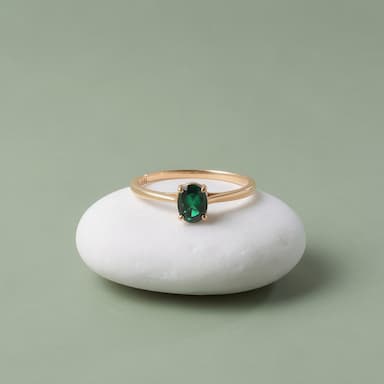
- Stone with a long shadow. Reads premium — right for cosmetics, jewellery, watches and anything sold on quality.
- In context
- The product where it is really used, background softened. Explains what it is for without a word of copy.
- Daylight
- Natural light with a soft far background. Warmer than studio — good for outdoor gear, drinks and anything seasonal.
- Fabric
- Soft fabric the product presses into. Proves weight and warmth — suits skincare, candles, food and gifts.
Camera angle and shape
The angle decides how the product is seen; the shape is the placement it has to fit — 4 of them, from a feed post to a story.
- Auto
- Let the AI choose the angle. Fine when you have only pasted a link.
- Eye level
- Level with the product. Honest and neutral — the safest angle for something a shopper has not seen before.
- Three-quarter
- Turned so the front and one side both show. The everyday packaging angle.
- High angle
- Looking down from above. Good for boxes, bowls and anything with an interesting top.
- Low hero
- From below, looking up. Makes the product look bigger and more important.
- Top down
- Straight down, perfectly flat. Pairs with the flat lay layout.
- 4:5 · 4:5
- Tall. Takes up the most room in a feed — the usual choice for a paid post.
- 1:1 · 1:1
- Square. Marketplace listings and Instagram grid posts.
- 9:16 · 9:16
- Fills a phone screen. Stories, Reels and TikTok.
- 16:9 · 16:9
- Very wide. Website banners, email headers and display ads.
Put your offer on it
Design the ad sets a headline, a supporting line, an offer and a button on the picture. Type them in any language. It costs 6 credits an image instead of 4.
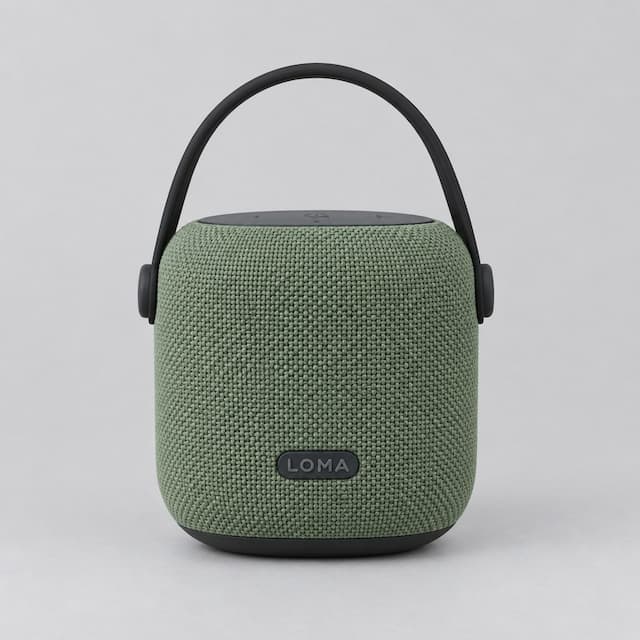
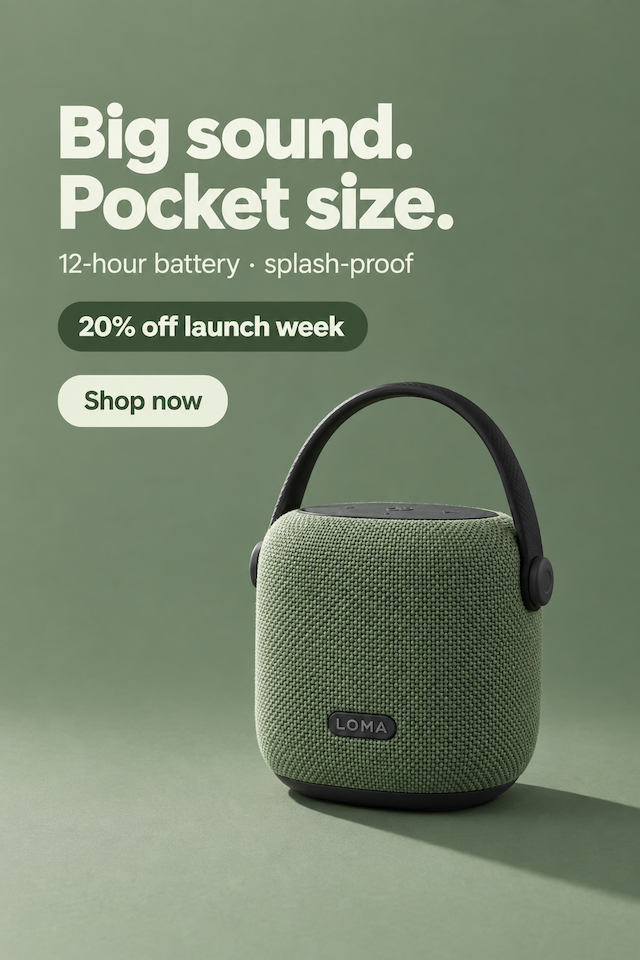
- Product name
- LOMA Mini Bluetooth Speaker
- Description
- A compact speaker wrapped in sage-green fabric with a carry strap, 12-hour battery, splash-proof.
- Price
- $39
https://jooo.ai/samples/loma-speaker
Written in English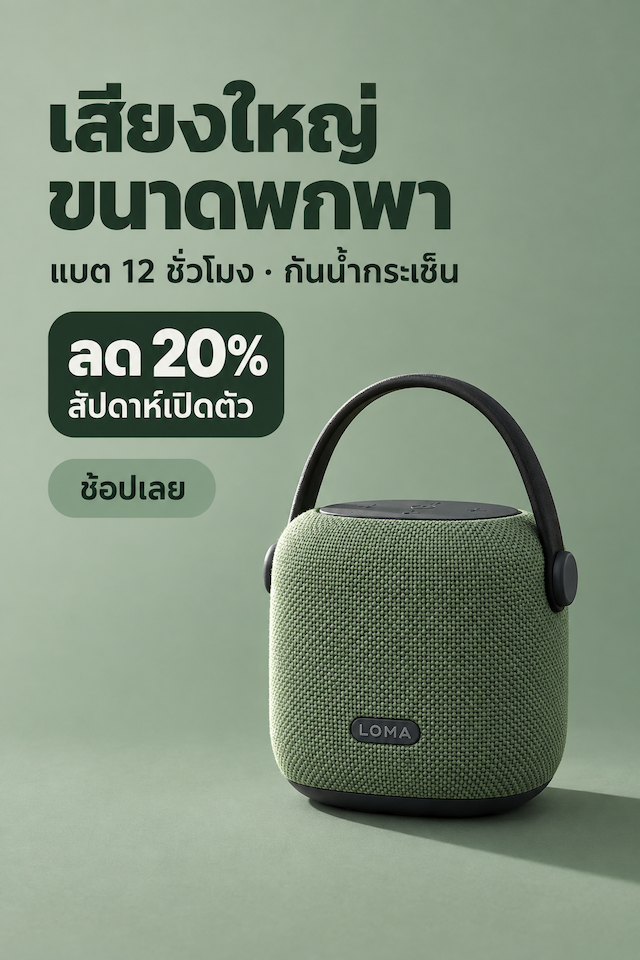 Written in Thai
Only what you type goes on the ad — the AI never adds prices, discounts or claims of its own. Check the spelling before you publish.
What it makes
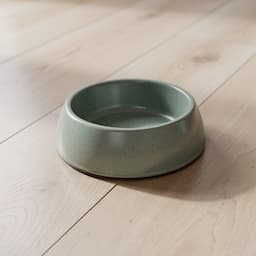
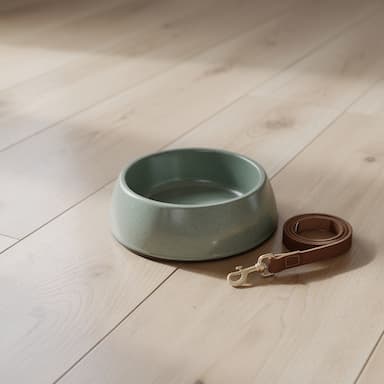
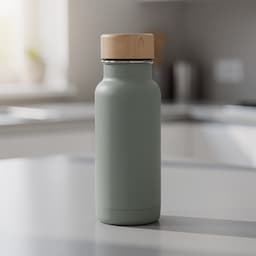
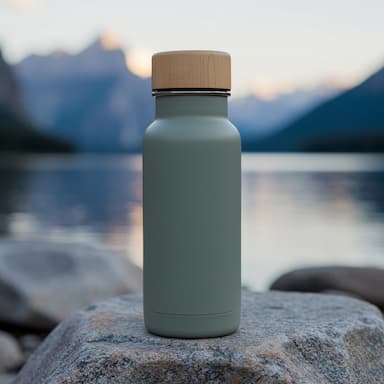
Real Product URL to Ad renders, each beside the product photo it was built from. Different layouts and surfaces, nothing retouched afterwards.
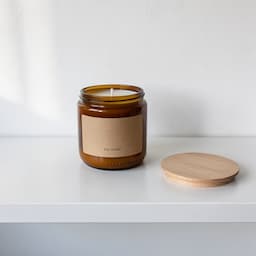 Your photo
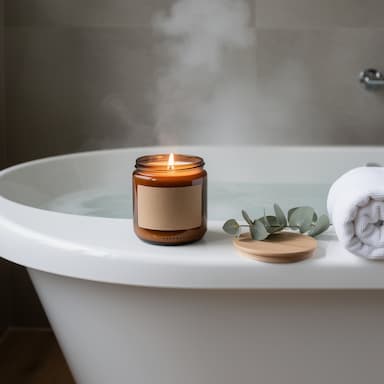
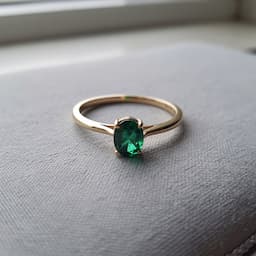 Your photo
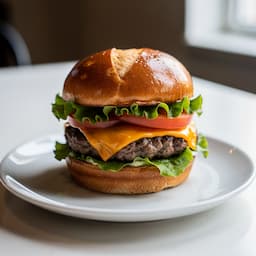 Your photo
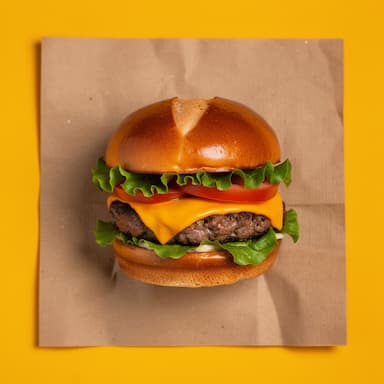
 Your photo
 Your photo
Get an ad worth running
The studio is only as good as the page it read and the photo it was given. What helps:
1Link the product, not the shop
A category or home page has no single product on it, and the studio will say so rather than guess.
2Check the photo it picked
Shops put banners and size charts in the same gallery. Pick the plain product shot, not the lifestyle collage.
3Trim the description
Shipping terms and size tables help nobody here. Two lines about what it is and who it is for beat two paragraphs.
4Say the price you mean
The page's price is a starting point. If the ad runs next week's promotion, type next week's price.
5Save the setup for the next link
A catalogue looks like a catalogue when every ad shares a layout and a surface.
6Only claim what is true
The studio never invents a discount or a rating — but you can type one. Keep the ad's promise the same as the listing's.
What it costs
Product URL to Ad spends credits from the same balance as every other studio. These are its current prices.
Product URL to Ad is included from the Starter plan.
| What you make | Credits |
|---|---|
| One run (1 take), free plan | 4 |
| A designed ad, per image | 6 |
A run that fails returns its credits automatically, and a run that delivers fewer images than it charged for refunds the missing ones.
Which plan you need
Every plan below is live, and each line is that plan's monthly credits divided by what one Product URL to Ad run costs today.
Free
Free
12 credits a month
Not included in this plan
Starter
$12/mo
100 credits a month
About 25 ads from links a month
Pro
$29/mo
500 credits a month
About 125 ads from links a month
Questions people ask
Which shops can it read?+
Any public product page. Shops that publish Product data — most Shopify, WooCommerce and marketplace listings do — read cleanest. A page behind a login, or one that blocks robots, cannot be read; save the photo and use Product Shots instead.
Does reading a page cost credits?+
No. Reading is free and can be repeated; credits are only spent when you press Generate.
What if it reads the wrong thing?+
Every field is editable, and you choose which photograph to build from — that is why the two steps are separate. Fix it before you spend anything.
Will my product look the same?+
The photograph from the page is the product in the ad; the studio is told to reproduce it exactly. Check the label and small print on every take before publishing.
Can I do a whole catalogue?+
Yes, one link at a time. Save this setup keeps the layout, surface and angle, so every ad in the set matches.
What does it cost?+
4 credits a run for 1 image, or 6 credits an image with Design the ad. Reading the page is free, and a run that fails is refunded automatically.
When should I use Product Shots instead?+
When you have the photograph but no page to read — or when the page's photo is poor. Product Shots starts from the picture on your own machine.
Keep going
Turn your first link into an ad
Paste a product page — yours or one of the samples — and see the ad it makes.
Start free