
What Platform Studio is
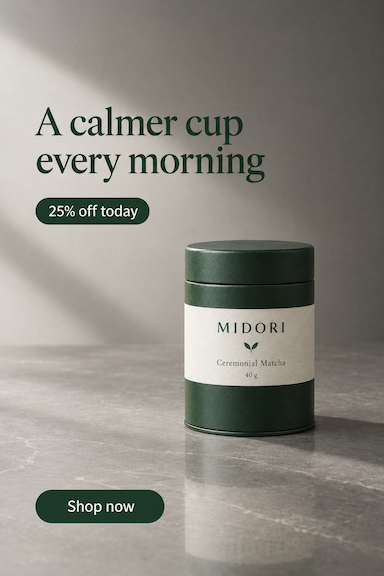
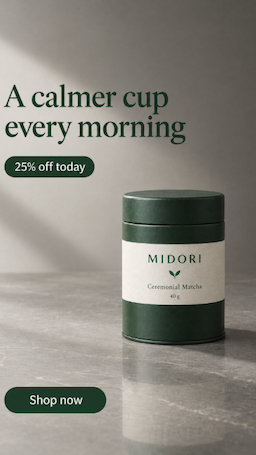
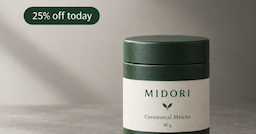
Every other studio makes a picture. This one makes the picture you already have fit somewhere else. It is a pair of scissors with 55 sizes printed on it, and the cutting happens in your browser — which is why it costs nothing and finishes in a second.
Drop in any finished image, tick the places you post, and each one appears re-framed. Sliders decide what is cropped, where the subject sits and what fills the space a taller or wider shape opens up. Only one button in the studio spends credits: Platform Studio can have AI redraw the new space instead of filling it, as a 3-credit charge.
Good for
- Taking one approved ad to every placement you run
- Fixing an old image that is the wrong shape for a new platform
- Marketplace listings that demand an exact square
- Handing a client every size in one zip, without re-billing them
How it works, in four steps
- 1
Drop the image in
A finished ad, a product shot, a photo — anything. The bigger it starts, the more room every crop has.
- 2
Tick the sizes
55 of them, grouped by the 21 platforms they belong to. Search if you know the one you want; every tick renders straight away.
- 3
Set the edges
Crop decides how much is kept, Position moves the subject, and Fill says what happens in the new space — extend the picture, or put white or dark behind it.
- 4
Download
One size, or all of them at once. Nothing here is charged: the re-framing ran on your device.
Start from the image you already have
Nothing is generated in this step. The studio takes a file and measures it, because everything that follows is a crop of those pixels.
Tick the places you post
55 sizes, grouped by the 21 platforms that ask for them — every one a real requirement, kept up to date in Admin so the guide and the studio always agree.


Decide what happens at the edges
A square cut out of a tall ad has to lose something, and a wide banner out of the same ad has to gain something. Three controls decide both, and they apply to every size at once.


Take them all
The results grid is the finished work. Each one is rendered at the exact pixel size the platform asks for, and downloading them costs nothing.
Story and Reels1080 × 1920
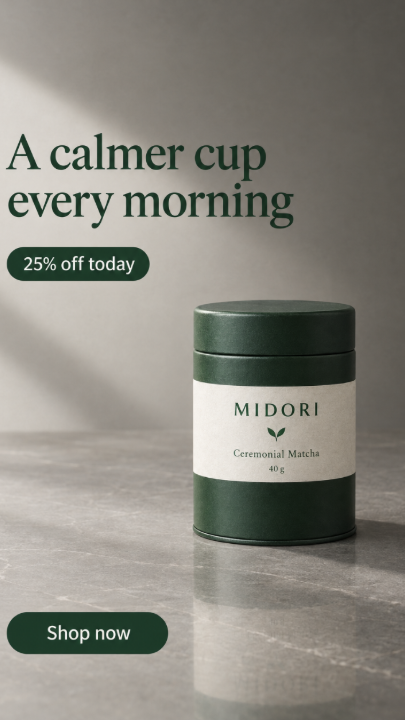
Feed — square1080 × 1080

Link post1200 × 628
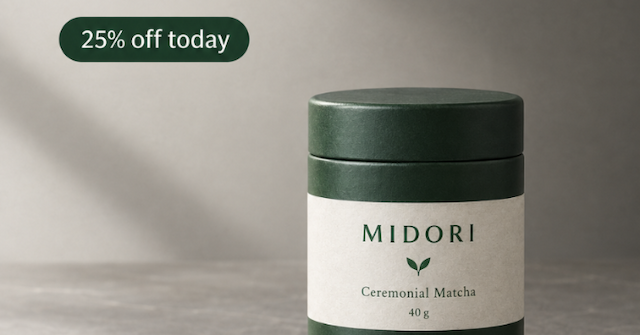
When a crop is not enough
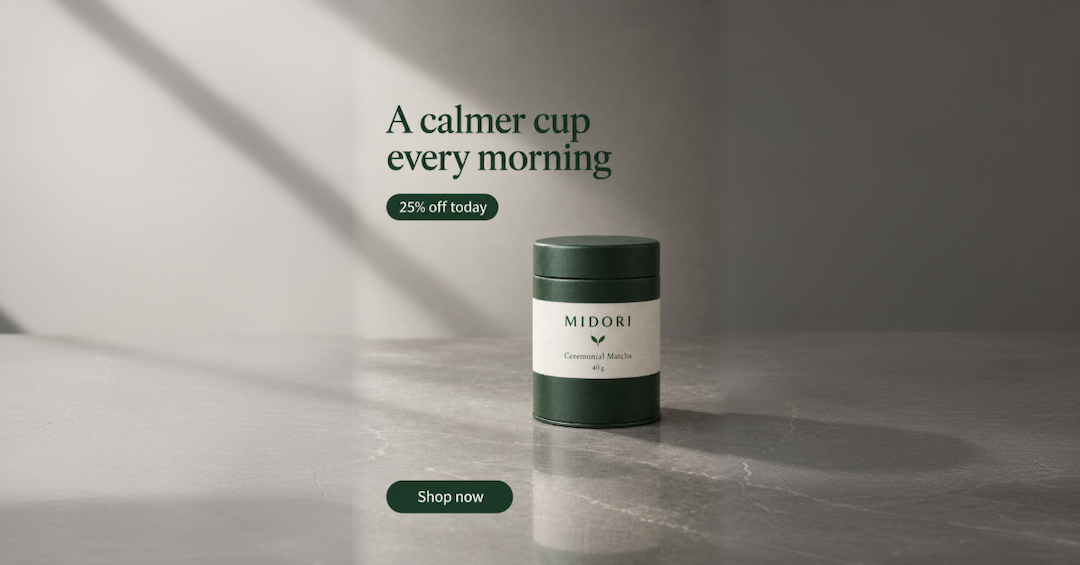
Sometimes the shape change is too big — a tall ad asked to be a wide banner has nothing to put in the sides, and a blurred edge shows. That is the one place Platform Studio spends credits.
One paid button, a 3-credit charge · everything else here is free
Free: the whole ad, sides blurredLink post · 1200 × 628
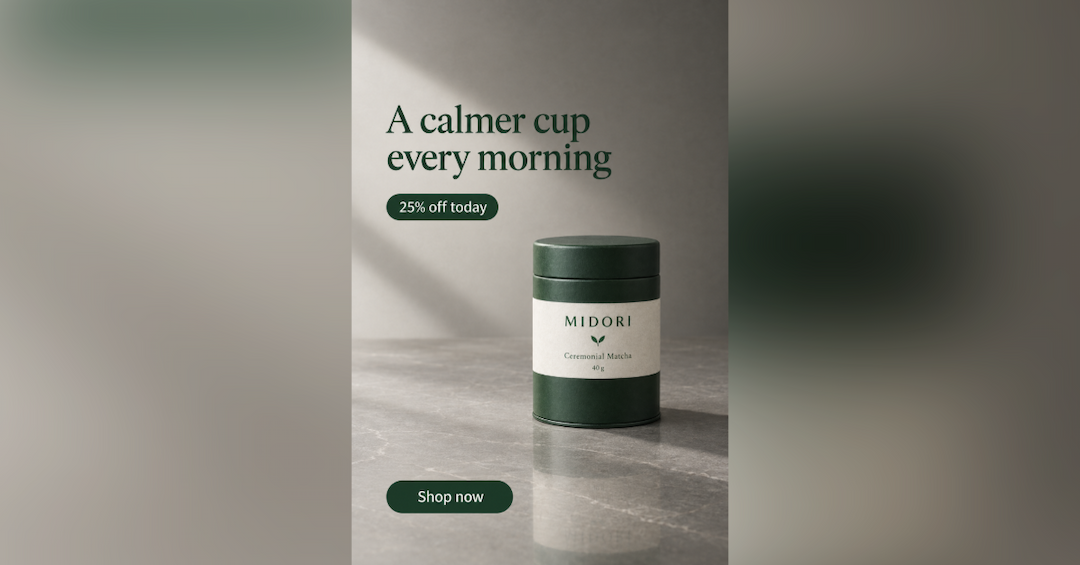
Redrawn with AI: a 3-credit chargeLink post · 1200 × 628
The studio's own work
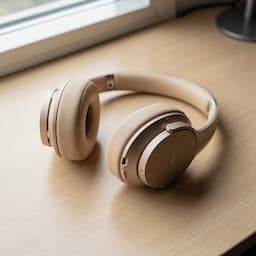
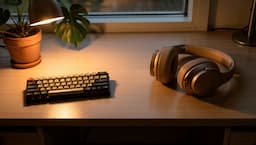
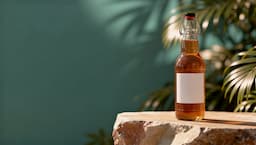
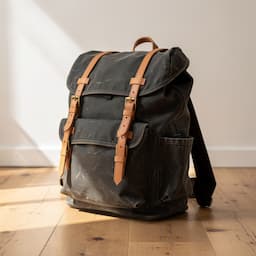
Photos re-framed in Platform Studio — the file that went in on the left, the shape that came out on the right.






Getting more out of it
Six habits that make re-framing look deliberate instead of cropped.
1Leave room when you design the ad
If you know a square is coming, keep the product and the headline away from the edges in the original. Every crop then has something safe to lose.
2Check the tall and the wide first
Shapes close to the original always look fine. Set Crop and Position by the story and the banner, and the rest follow.
3White beats a blur for type
Extend smears letters at the edge. If your ad has a headline or a price on it, fill with white or dark instead.
4Re-frame late, not early
Get the ad approved in one shape, then bring the finished file here. Re-framing a draft means doing it twice.
5Keep the platform names
Exported files are named after the placement, so whoever uploads them does not have to guess which file is the story.
6Redraw once, then re-frame
If one shape needs AI, redraw that shape and save it. It becomes a new source you can crop freely without paying again.
Where these sizes come from
What it costs
The short version: re-framing is free. Platform Studio does the work in your browser, so there is no server to pay for and no credits to take.
| What you make | Credits |
|---|---|
| Re-framing an image into any number of sizes | 0 |
| Downloading one size, or every size | 0 |
| Redraw with AI — one size | 3 |
A run that fails returns its credits automatically, and a run that delivers fewer images than it charged for refunds the missing ones.
Which plan you need
Every plan opens Platform Studio the same way, because the studio itself is free to use. Credits are only for the AI redraw, and for the studios that make the pictures you bring here.
Free
Free
12 credits a month
4 redraws
Starter
$12/mo
100 credits a month
33 redraws
Pro
$29/mo
500 credits a month
166 redraws
Questions people ask
Does re-framing really cost nothing?+
Yes. The picture is re-cut on a canvas inside your browser, so no generation happens and no credits are taken — for one size or all 55.
What image sizes does it accept?+
PNG, JPG and WebP. Anything you made in the other studios can be brought straight over from your library.
Will it make my image sharper?+
No. A crop can only keep pixels, never invent them. Start from the largest original you have, and the AI redraw is there when a shape needs more than the file holds.
What does Fill actually do?+
When the new shape is wider or taller than the original, something has to go in the space. Extend stretches a blurred copy of your picture outwards; white and dark put a flat panel there instead.
When should I pay for the redraw?+
Only when a shape is so far from the original that the fill shows — a tall ad turned into a wide banner, for example. Try Crop, Position and a white fill first; they are free.
Can I add a size that is not on the list?+
Yes. Type the width and height you need and it joins the list with the rest, re-framed the same way and just as free.
Are the platform sizes kept up to date?+
They live in the studio's settings, not in the code, so when a platform changes a requirement the size changes for everyone — and this guide changes with it.
Keep going
Bring an ad and take every size
Drop in something you have already made, tick the places you post, and download the set. Only the AI redraw costs credits.
Start free