What Campaign Builder is
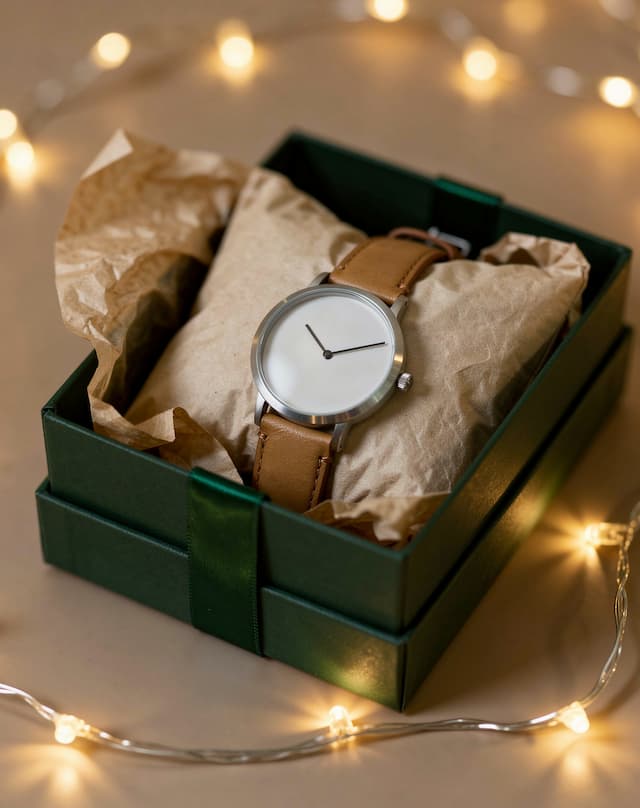
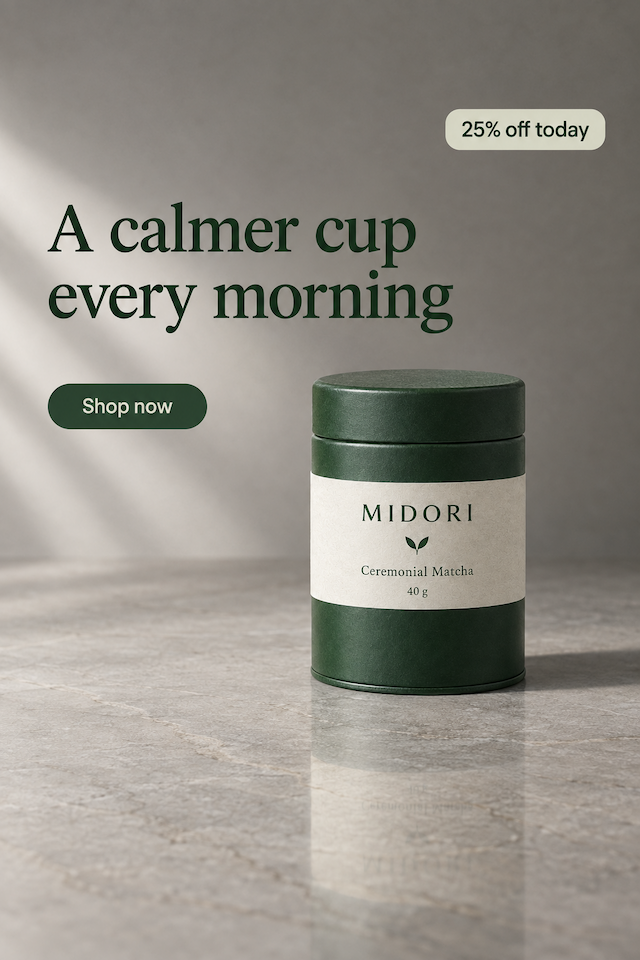
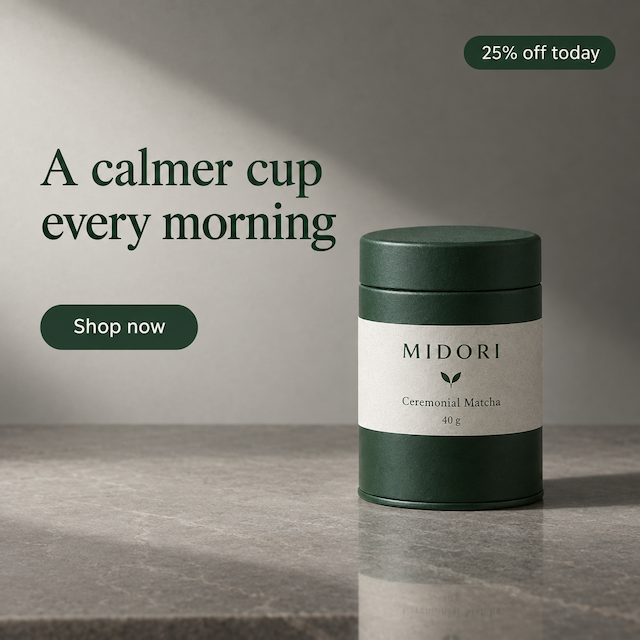
A campaign is never one image. The feed wants 4:5, stories want the whole phone, marketplaces want a square, display wants a wide strip — and if you make them one at a time they drift: different light, different crop, four ads that look like four companies.
Campaign Builder takes the art direction once — a look, a surface, an angle — and renders every placement you tick from it. The total is on the button before you press it, and a placement that fails keeps the ones already made.
Good for
- A launch that runs everywhere on the same day
- Seasonal sales where every placement shows the same offer
- Agencies delivering a set, not a file
- Testing one idea across placements before spending on media
How it works, in four steps
- 1
Add your product
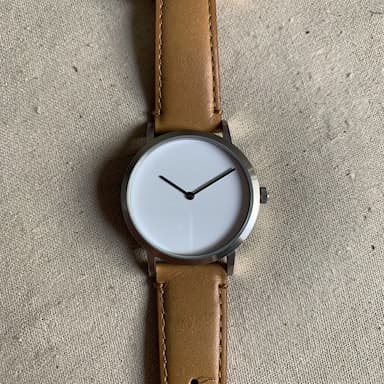
One clear photo of the product. Everything in the set is built from it.
- 2
Set the art direction once
A look, a surface and an angle — chosen for the campaign, not for each image. That is what makes the set match.
- 3
Tick the placements
5 to choose from. Tick the ones you actually run — the button adds them up before anything is charged.
- 4
Build the set
One press makes them one after another, each in its own shape. 3 placements cost 12 credits.
Add your product
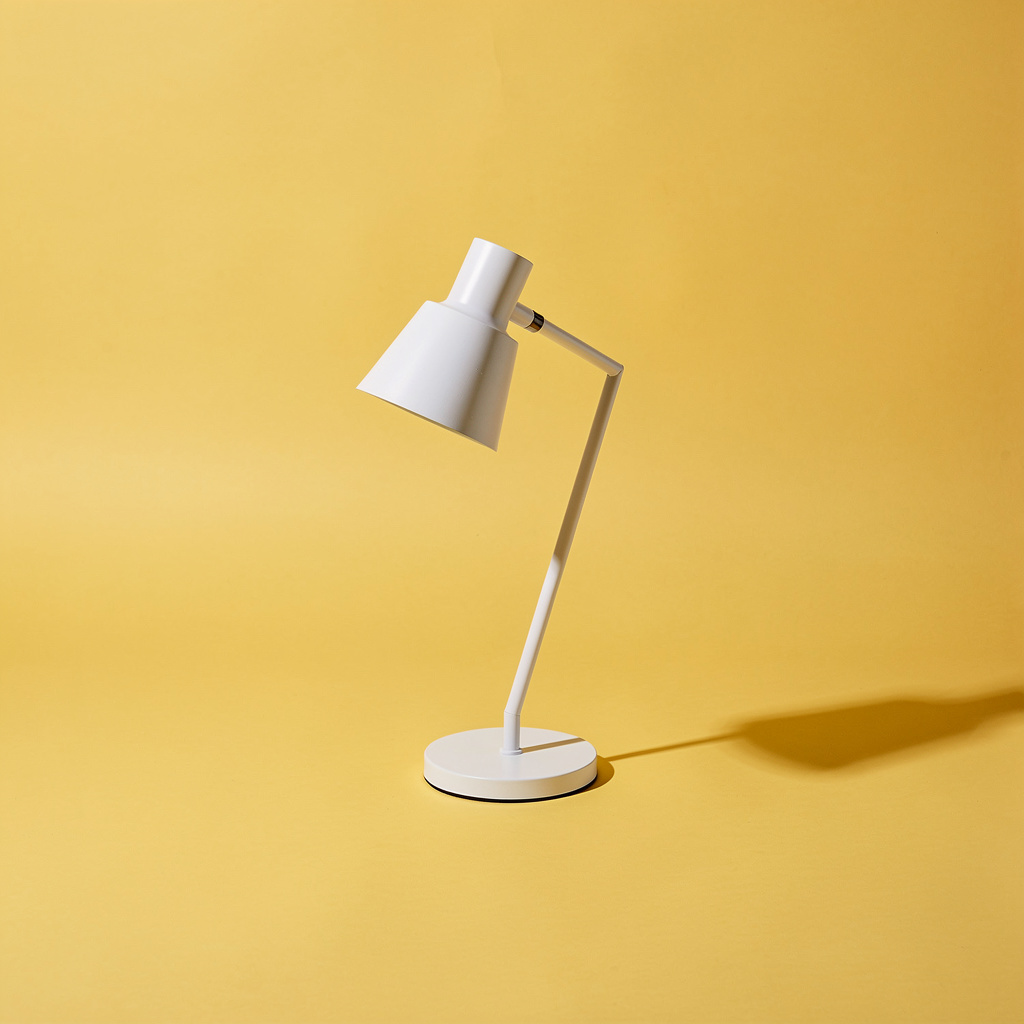
One photograph, used for every placement in the set. A clean product shot keeps the product identical across all of them.

Choose the look
The look is chosen once and carried through every placement. 6 to pick from, and it is the decision that makes the set feel like one campaign.
- Clean and brightSafest
- Bright, pale and airy in every frame. The easiest look to keep identical across placements, and it reads well everywhere.
- Bold and graphicAttention
- Hard light and strong colour. Built to be recognised at a glance — the set reads as one campaign from across the feed.
- Quiet premiumPremium
- Dark, restrained and expensive-looking. Strong for a launch; harder to read at small banner sizes.
- Warm daylightHuman
- Late-afternoon light in every frame. Friendly rather than corporate — good for food, home and wellbeing.
- EditorialBrand
- Magazine art direction with one repeated prop. Looks like a brand with a point of view rather than a shop.
- SeasonalCampaign
- One seasonal palette across the set, signalled by colour rather than words. For sale periods and holidays.
Choose the surface
What the product sits on. One surface for the whole campaign — 6 to choose from, or describe one.
- Auto
- Lets the AI choose one surface and hold it across the whole set. A good first run when the campaign has no look yet.
- Studio
- One plain sweep behind every frame. The easiest look to keep consistent, and the safest for a first campaign.
- Colour block
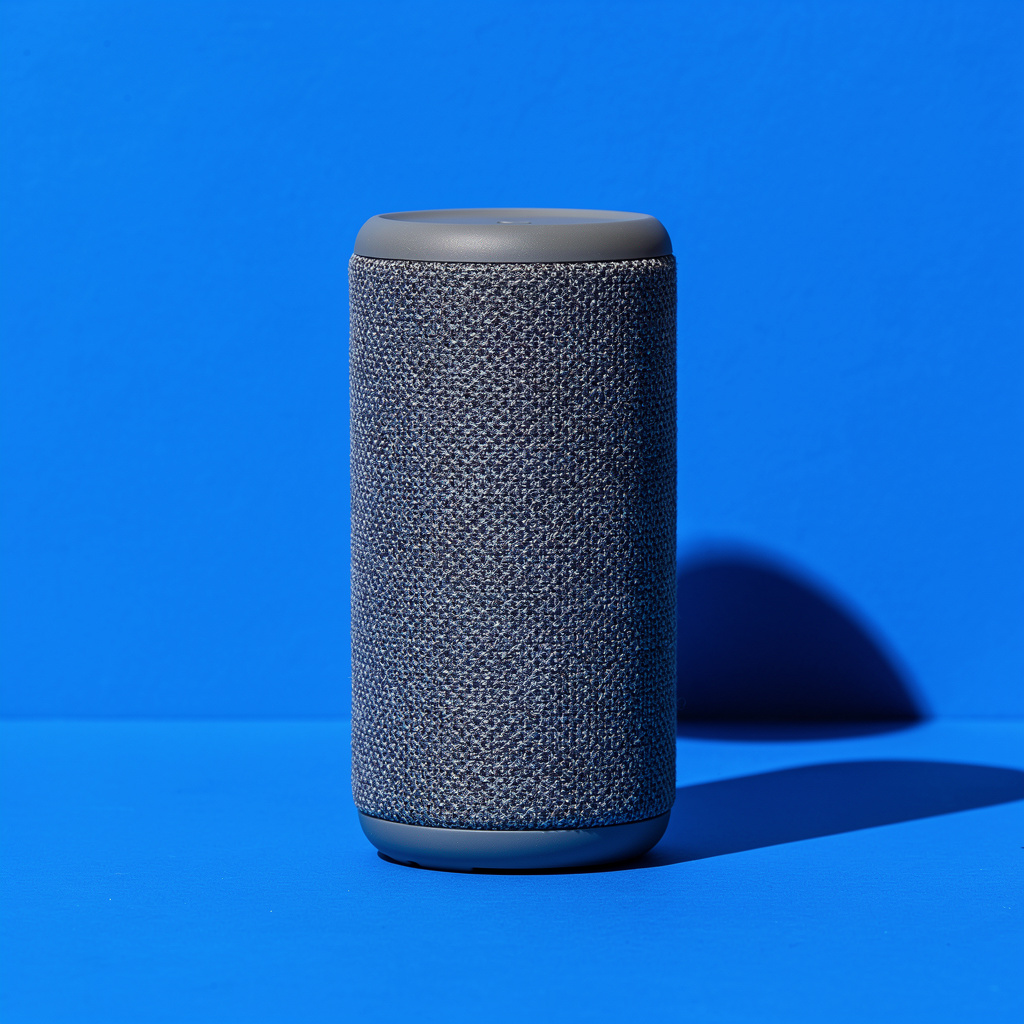
- One strong colour behind the whole campaign. The most recognisable set — a scroller spots the second ad because it matches the first.
- Stone
- Stone with a long shadow, the same in every frame. Premium — right for cosmetics, jewellery and watches.
- In context
- The same real room in every frame, seen from different distances. Warmer than a sweep and still obviously one set.
- Fabric
- One piece of soft fabric throughout. Suits skincare, candles, food and gifts, and it proves weight.
Choose the angle
The angle is part of the art direction: chosen once, used in every placement. There is no single shape here — the shapes are the placements, and they come next.
- Auto
- Let the AI choose one angle and hold it across the set.
- Eye level
- Level with the product in every frame. The most neutral, and the easiest to keep matched.
- Three-quarter
- Turned the same way in every frame. The everyday packaging angle.
- High angle
- Looking down in every frame. Good for boxes, bowls and anything with an interesting top.
- Top down
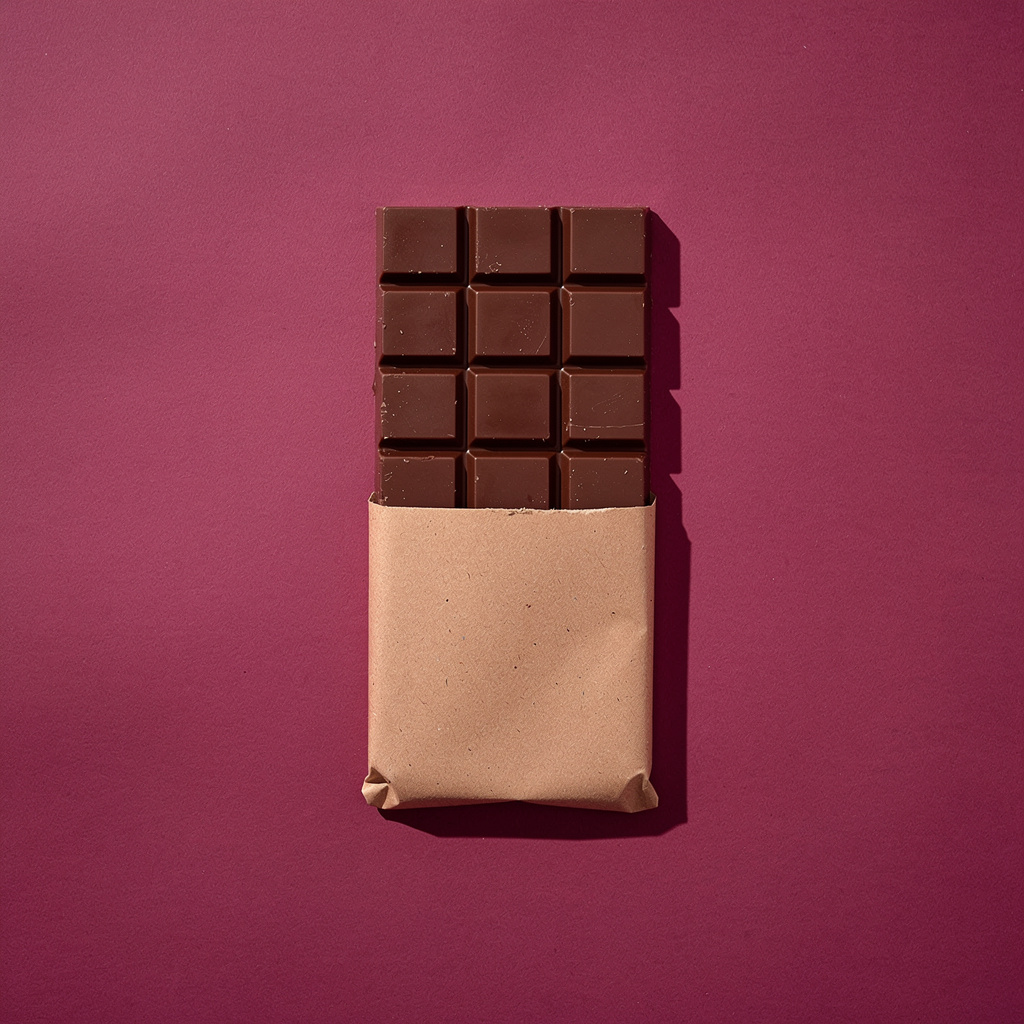
- Straight down in every frame. One plane and one shadow direction, so the set matches almost by itself.
- 4:5 · 4:5
- Instagram and Facebook feed. The placement most campaigns spend the most on.
- 9:16 · 9:16
- Full phone screen. Stories, Reels, TikTok and Shorts.
- 1:1 · 1:1
- Marketplace listings, the Instagram grid, and anywhere that crops to a square.
- 1200x628 · 1200×628
- Google Display and email headers. Very wide, so keep the product to one side.
- 16:9 · 16:9
- YouTube thumbnails, website heroes and presentation slides.
Tick the placements
This is the studio's own step: 5 placements, each one a real size somewhere sells. Tick what you run and nothing else — every tick is an image, and every image is credits.
Feed post4:5
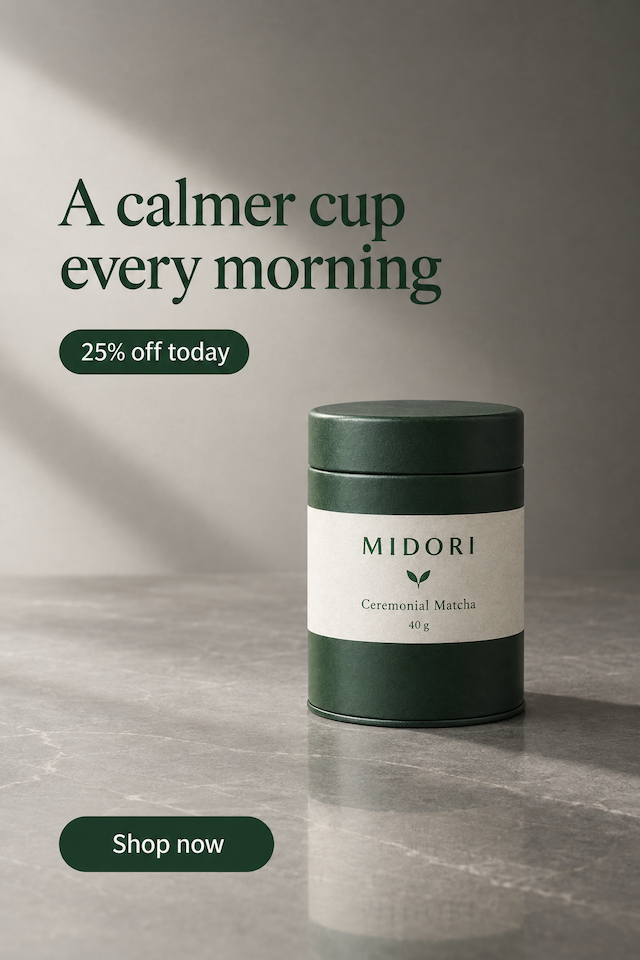
Stories and Reels9:16
Square1:1
Put the offer on the set
Design the ad sets your headline, offer and button on every placement — typed once, laid out for each shape. It costs 6 credits an image instead of 4.

Only what you type goes on the ad — the AI never adds prices, discounts or claims of its own. Check the spelling before you publish.
What it makes
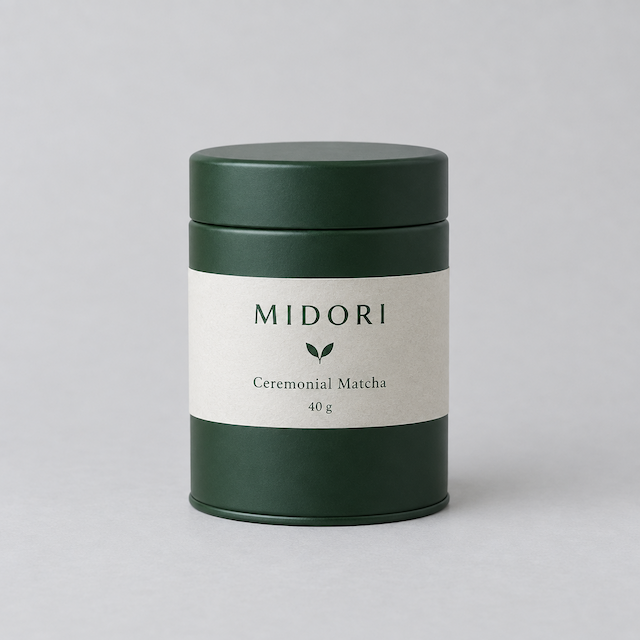
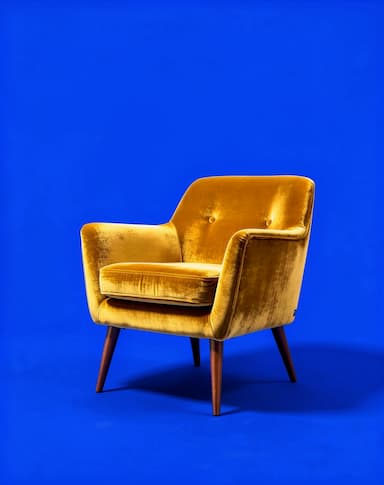
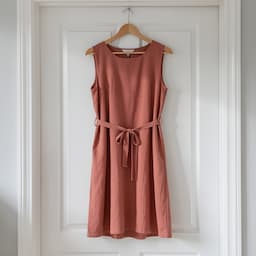
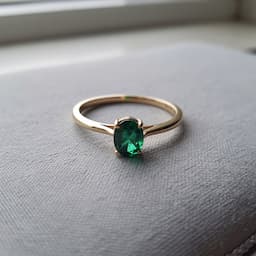
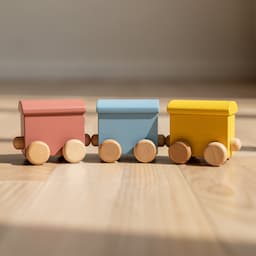
Real Campaign Builder renders, each beside the sample product photo it was made from. Different looks and surfaces, nothing retouched afterwards.
 Your photo

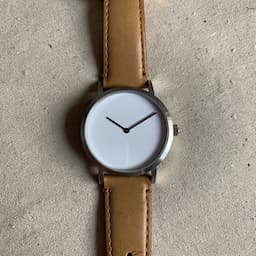 Your photo
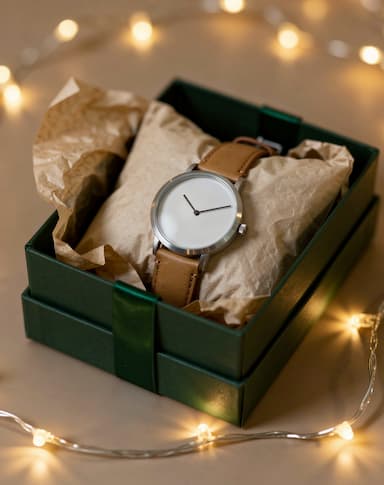
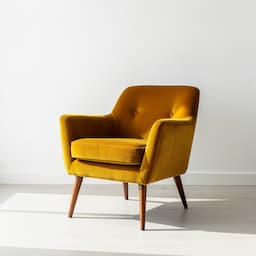 Your photo
 Your photo

 Your photo

 Your photo

 Your photo

Get a set worth running
A campaign is judged as a set, not as its best image. What helps:
1Leave room for the words
A story is tall and a banner is wide; a look with space in the frame survives both crops.
2Tick only what you run
Every placement is credits. A banner nobody buys is a banner nobody needed.
3Say one thing
The same headline and the same offer everywhere is what makes people remember a campaign.
4Check the tight crops first
Square and banner lose the most. If the product survives those, the rest are fine.
5Save the setup for the range
Six products in one look beat six looks in one product.
6Check each platform's text rules
Placements have safe areas — a story keeps its top and bottom clear of interface. Keep the offer inside them.
Placement sizes and safe areas:
What it costs
Campaign Builder spends credits from the same balance as every other studio. These are its current prices.
Campaign Builder is included from the Starter plan.
| What you make | Credits |
|---|---|
| One run (1 take), free plan | 4 |
| A designed ad, per image | 6 |
A run that fails returns its credits automatically, and a run that delivers fewer images than it charged for refunds the missing ones.
Which plan you need
Every plan below is live, and each line is that plan's monthly credits divided by what one Campaign Builder run costs today.
Free
Free
12 credits a month
Not included in this plan
Starter
$12/mo
100 credits a month
About 25 campaign images a month
Pro
$29/mo
500 credits a month
About 125 campaign images a month
Questions people ask
Is a campaign one press or several?+
One press. Each placement is rendered in turn from the same art direction, and the set on this page was made that way.
What does a set cost?+
4 credits per placement, or 6 with the words on it. The button shows the total for what you ticked before you press it.
What if one placement fails?+
The run stops there and everything already made stays on screen — you paid for those. The failed one is refunded.
Can each placement have a different look?+
Not in one press, on purpose: a set that does not match is worth less than two images that do. Run a second campaign for a different look.
Are the words drawn by the AI?+
Only what you type. The headline you give also steers the art direction, and nothing else is written for you — image models spell badly, and a garbled word ruins an ad.
Which placements should I tick?+
The ones you buy media for. Feed and stories cover most sellers; square is for marketplaces; the banner and the wide one are for display and video.
When should I use Product Shots instead?+
When you want one image and several takes of it to choose between. Campaign Builder is for one idea in many shapes.
Keep going
Build your first set
Upload a product, choose the look once, and tick the placements you actually run.
Start free